Practical 3D printing guides for Toronto projects
Prepare a file, compare printing options, or plan a sample and repeat order. These guides cover cost, slicing, fit checks and professional workflows before a project reaches the print floor.
· 7 min read
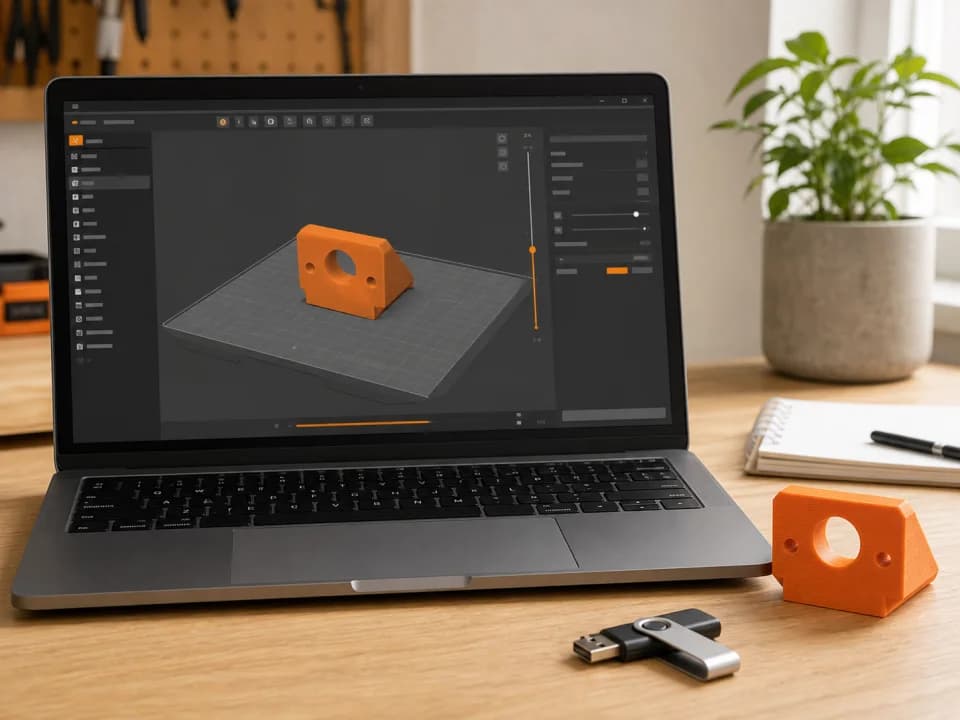
Bambu Studio: Slice plate vs Slice all and export files
Slice plate prepares the selected plate. Slice all prepares every plate. Choose the matching sliced-file export, then review your print quote before paying.
· 9 min read
3D printing cost in Toronto: rates, minimums and worked examples
Your print price combines material, machine time and one base fee, subject to an order minimum. Use current rates and worked examples to plan your order.
· 8 min read
Where to 3D print in Toronto: libraries, campus labs and services
Use TPL for a print you can attend, a campus lab if you are eligible, or a local service when you want to hand off production. Compare access, cost and your time on site.
· 8 min read
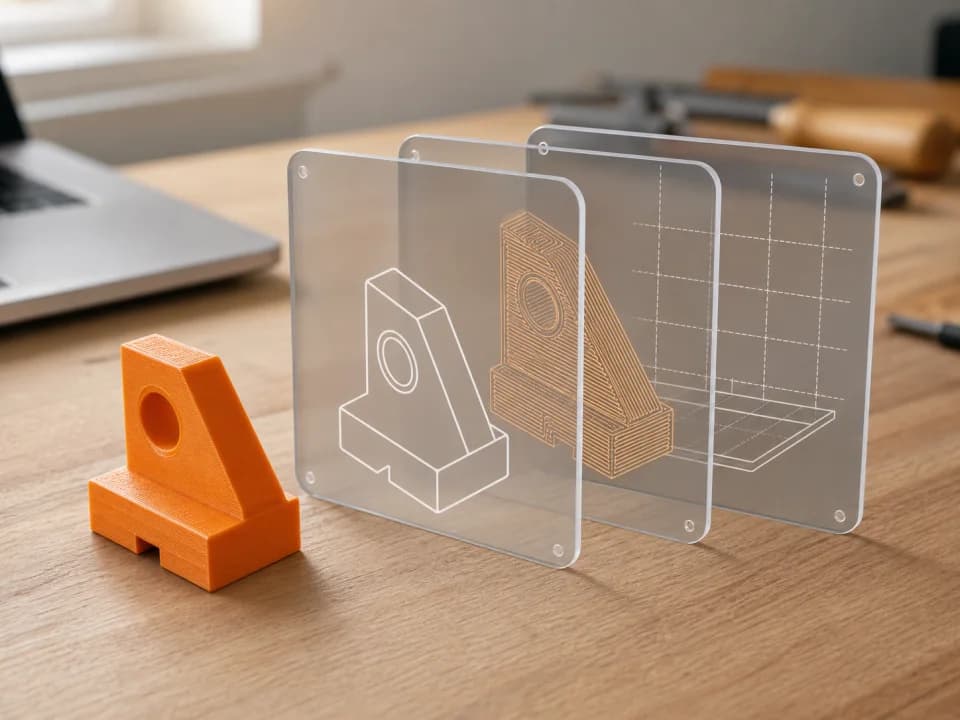
Have an STL? How to turn it into a print-ready file in Toronto
Choose available STL auto-slicing or prepare your own sliced file, then review the preview and quote before paying.
· 7 min read
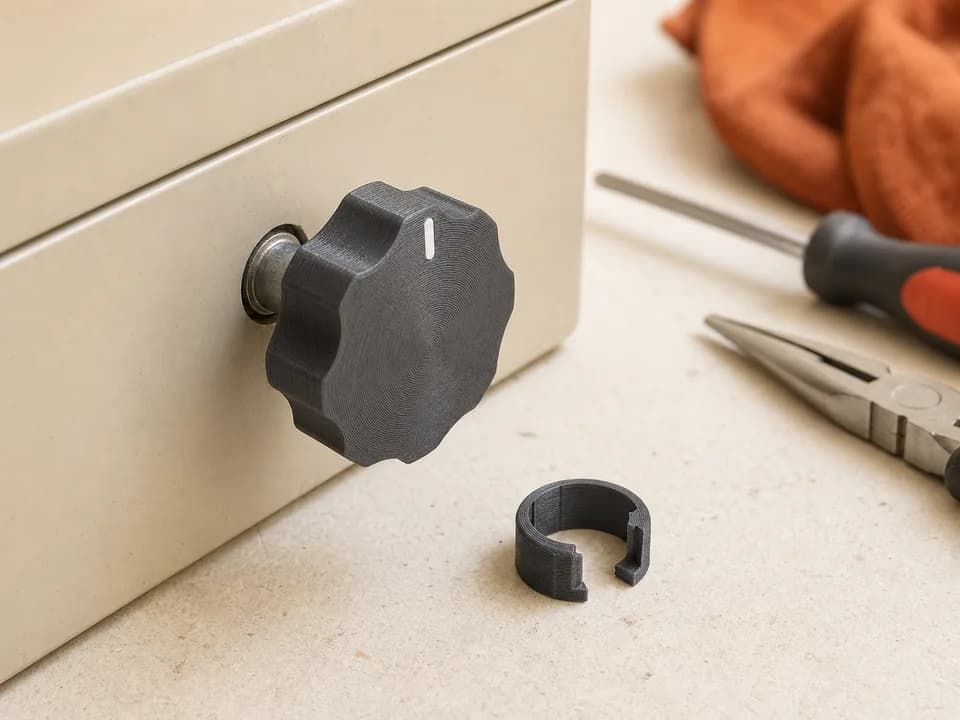
What is a .gcode.3mf, and can a print service use it?
The double extension is not a typo: it packages sliced printer instructions with useful project and preview data.
· 9 min read
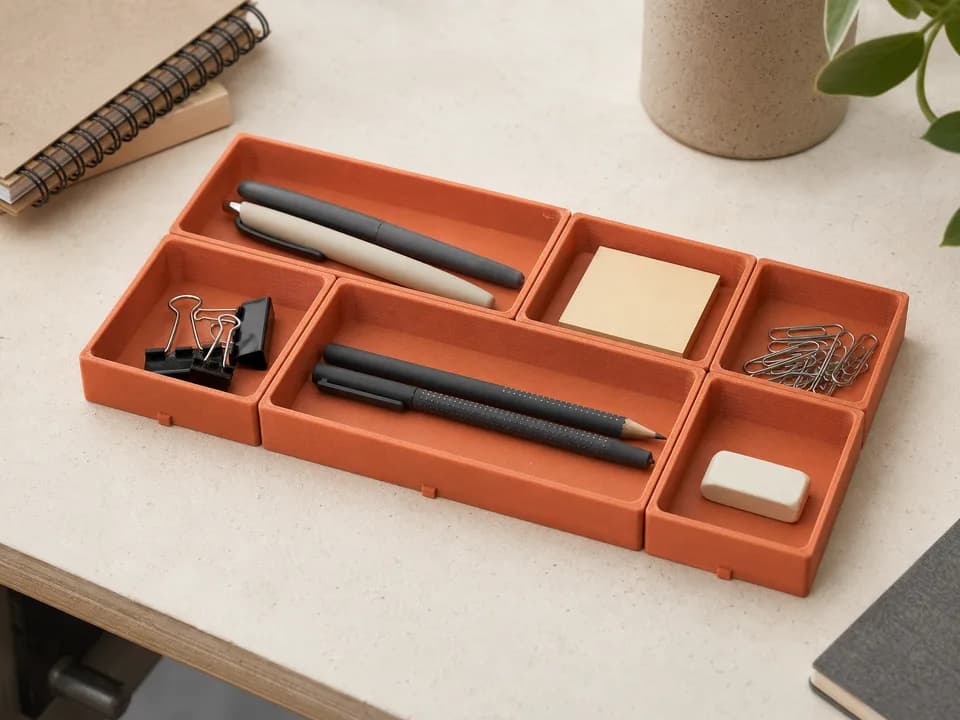
Already have the model? Printing a replacement part in Toronto
Before ordering a replacement knob, bracket, clip, or cover, check the model, fit, material, load, and slice that determine whether it works.
· 8 min read
Large print, small bed: preparing a multi-plate 3MF order
When one build plate is not enough, split or arrange the job across plates and keep the whole order together in one sliced file.

· 8 min read
Found a MakerWorld model? How to order a print without owning a printer
Check permission, choose the right download, inspect the plate, and export a service-ready file before you order the physical print.
· 7 min read
Can you get a 3D print today in Toronto? Turnaround explained
A same-day tier may be shown for some short, ready files, but the queue, machine time, operator checks, and pickup decide the real clock.

· 9 min read
How to lower your 3D-print quote before uploading
Use the slicer preview to find the changes that actually reduce grams or hours: orientation, supports, layer height, walls, infill, and batching.
· 9 min read
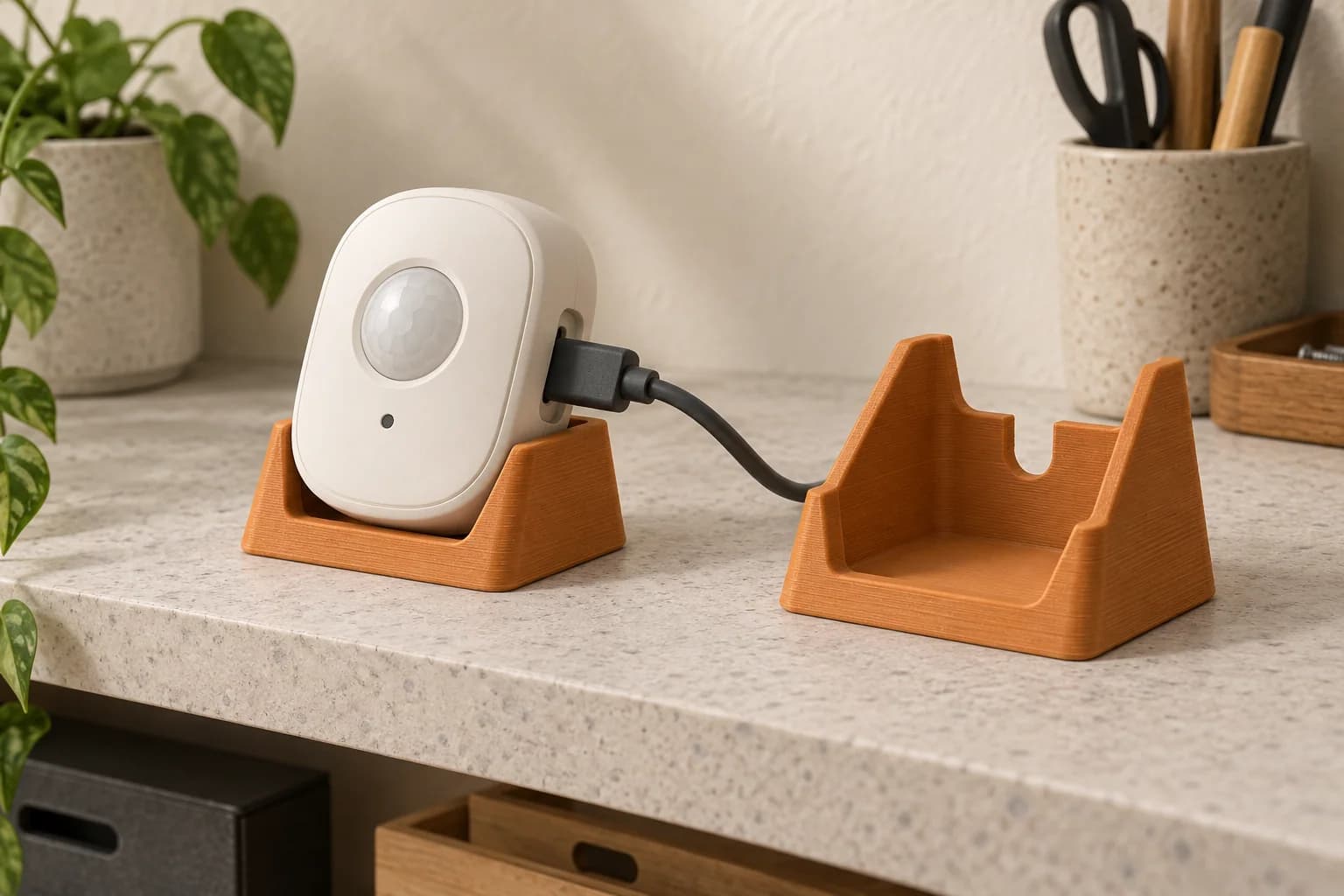
3D printing for home automation installers: sensor mounts, stands and device holders
A practical guide to small indoor smart-home stands and cradles: start with placement, preserve device access and test an authorized model before using it.
· 8 min read
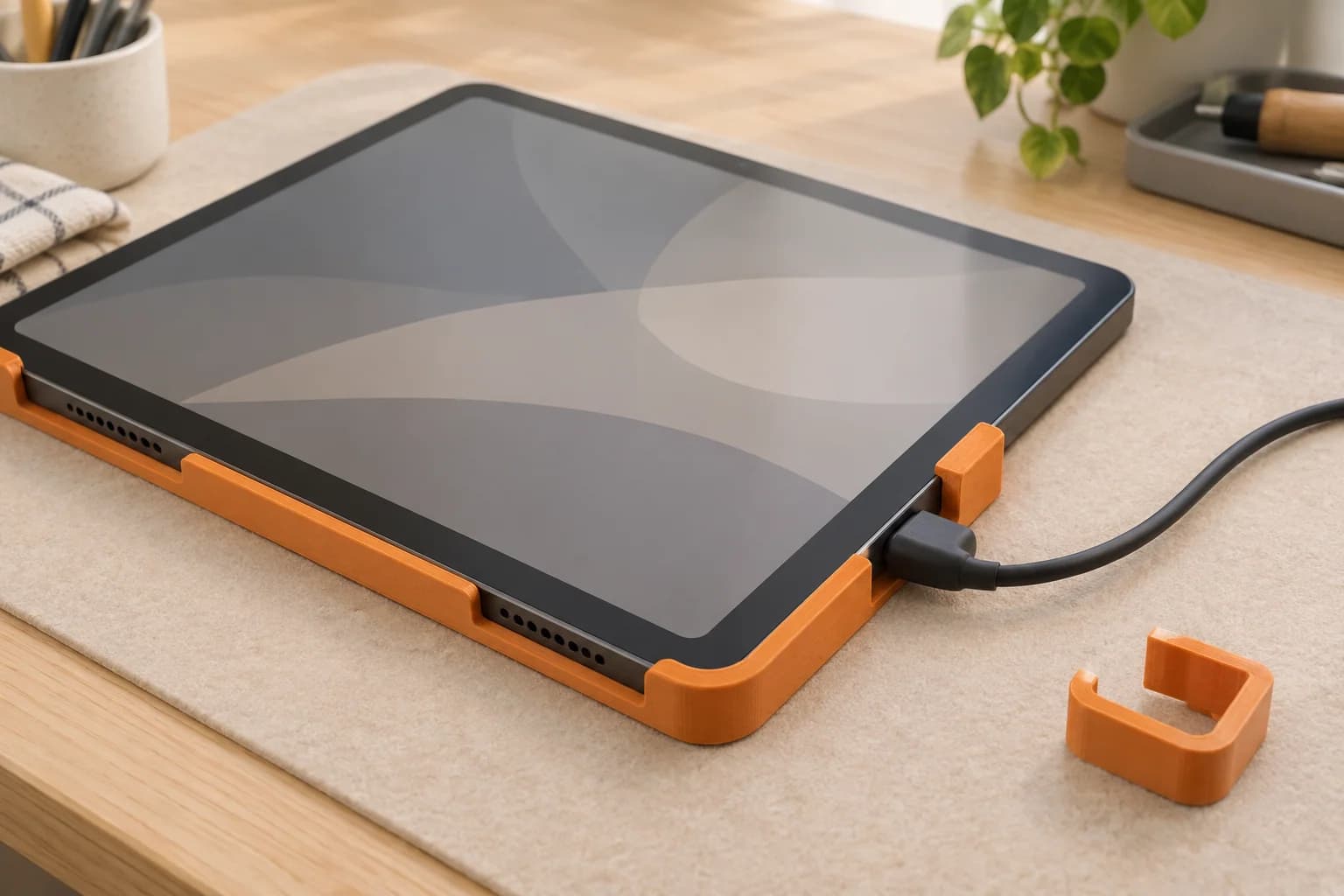
Tablet dashboard mounts: fit and charging-access checks
A tablet-sized opening is only the start. Check the actual charging plug, button access, removal movement and visual fit before ordering a dashboard bezel prototype.
· 8 min read
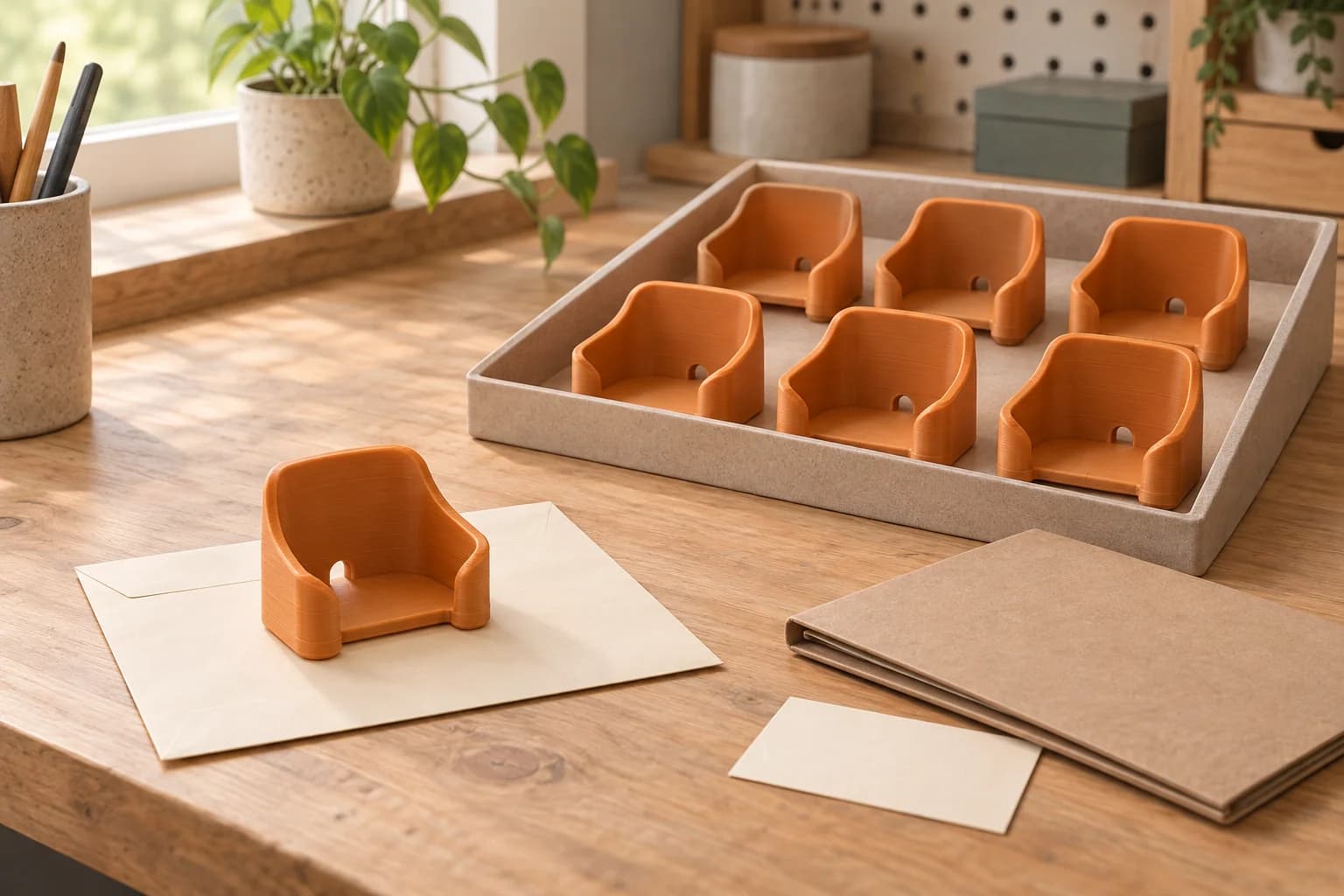
Ordering repeat batches of smart-home accessories
A practical batch record for home-automation installers: check one paid sample, preserve the accepted revision and print context, inspect the copies and prepare later orders.
· 9 min read
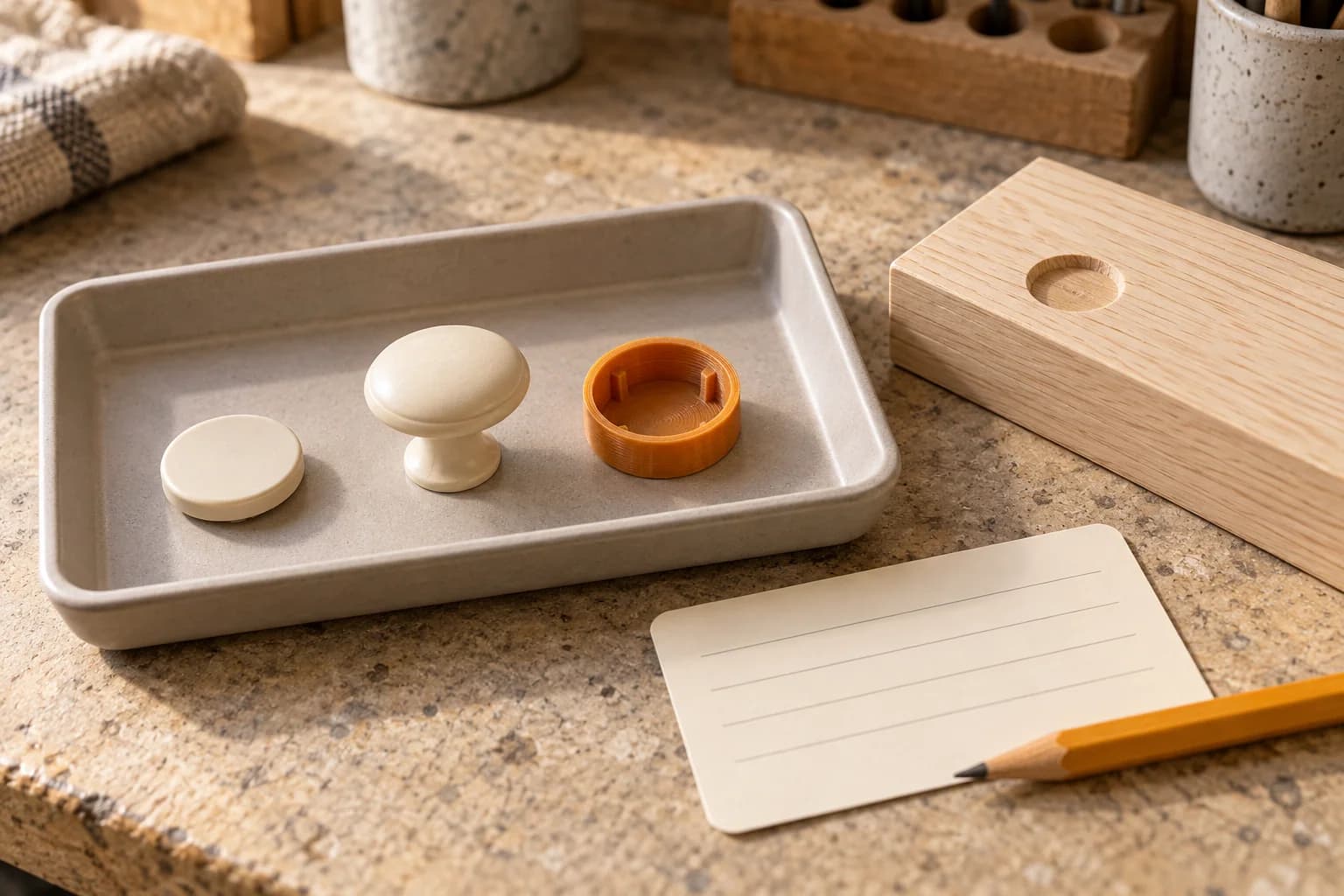
3D printing for rental-property maintenance: which small replacement parts make sense?
A missing cosmetic cap or cabinet knob may suit an authorized print. Check ordinary spare parts first, identify the fixture and accept one sample before a repeat order.
· 9 min read
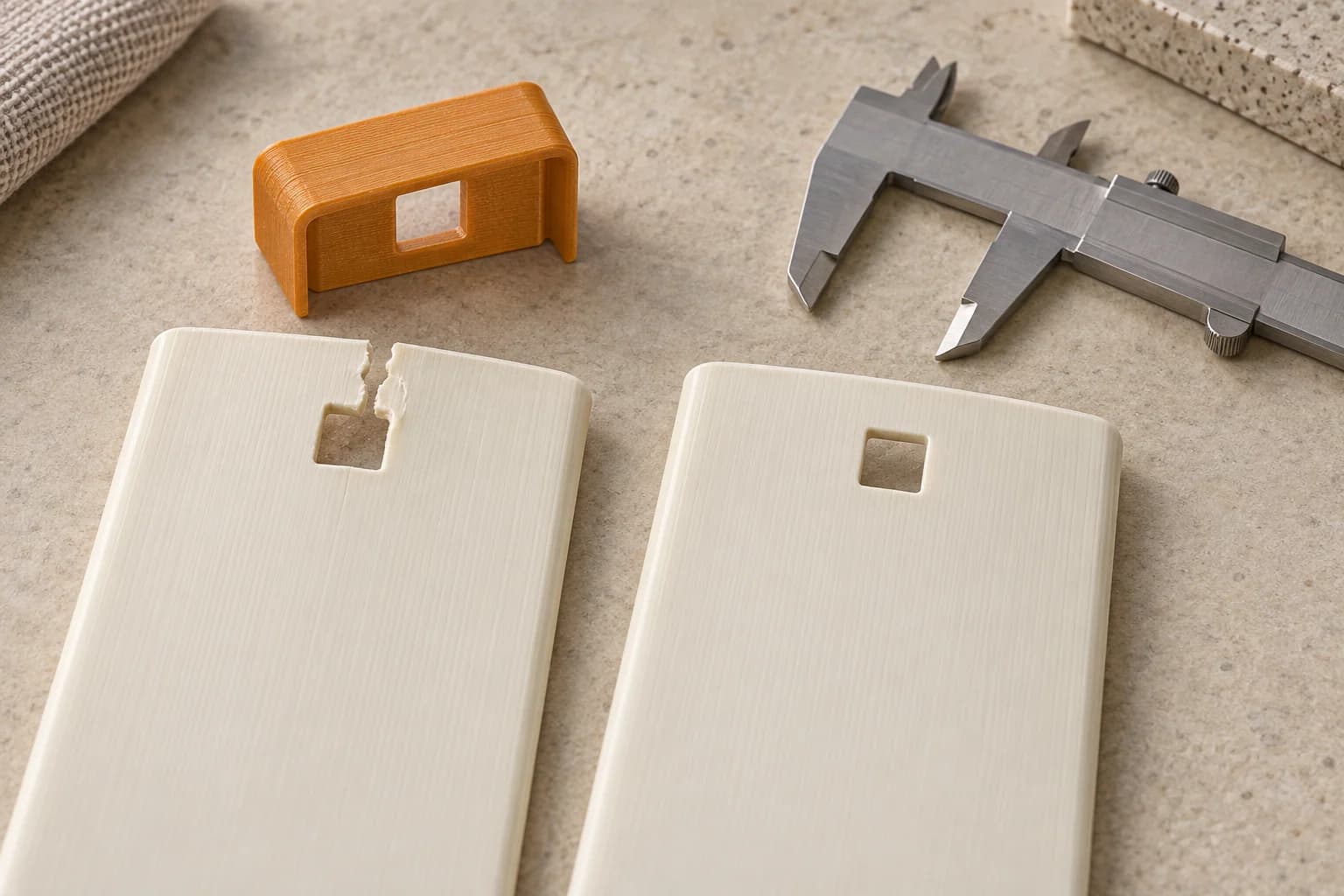
Blind-vane repair clips: test one before ordering a batch
A torn vertical-blind attachment opening needs a specific repair. Compare ready-made options, measure a sound vane, and check one authorized print before repeating it.
· 9 min read
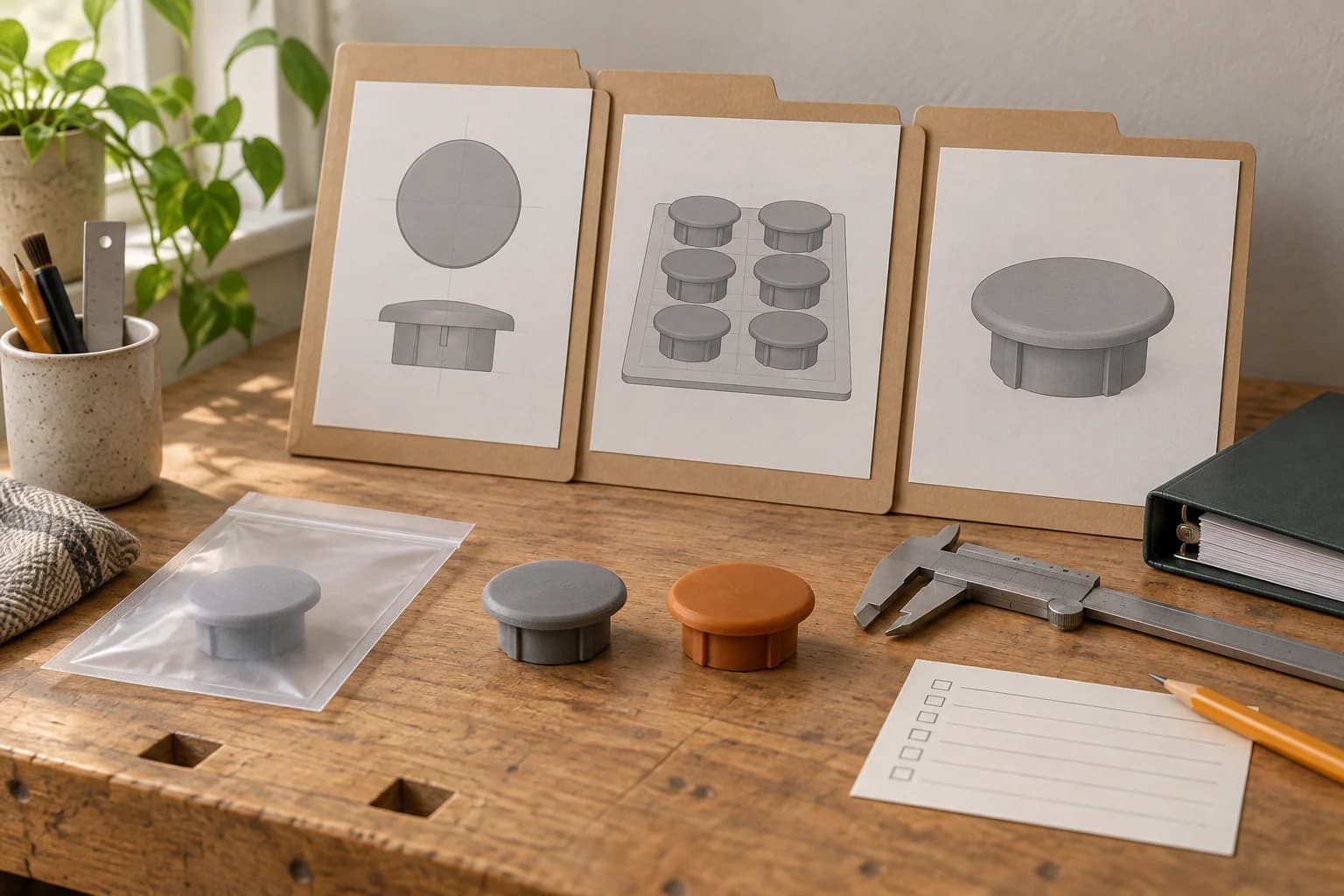
Building a reusable print-file library for property maintenance
A practical record system for your own maintenance print files: identify the exact fixture, preserve the accepted revision and know when a repeat order needs review.
· 9 min read
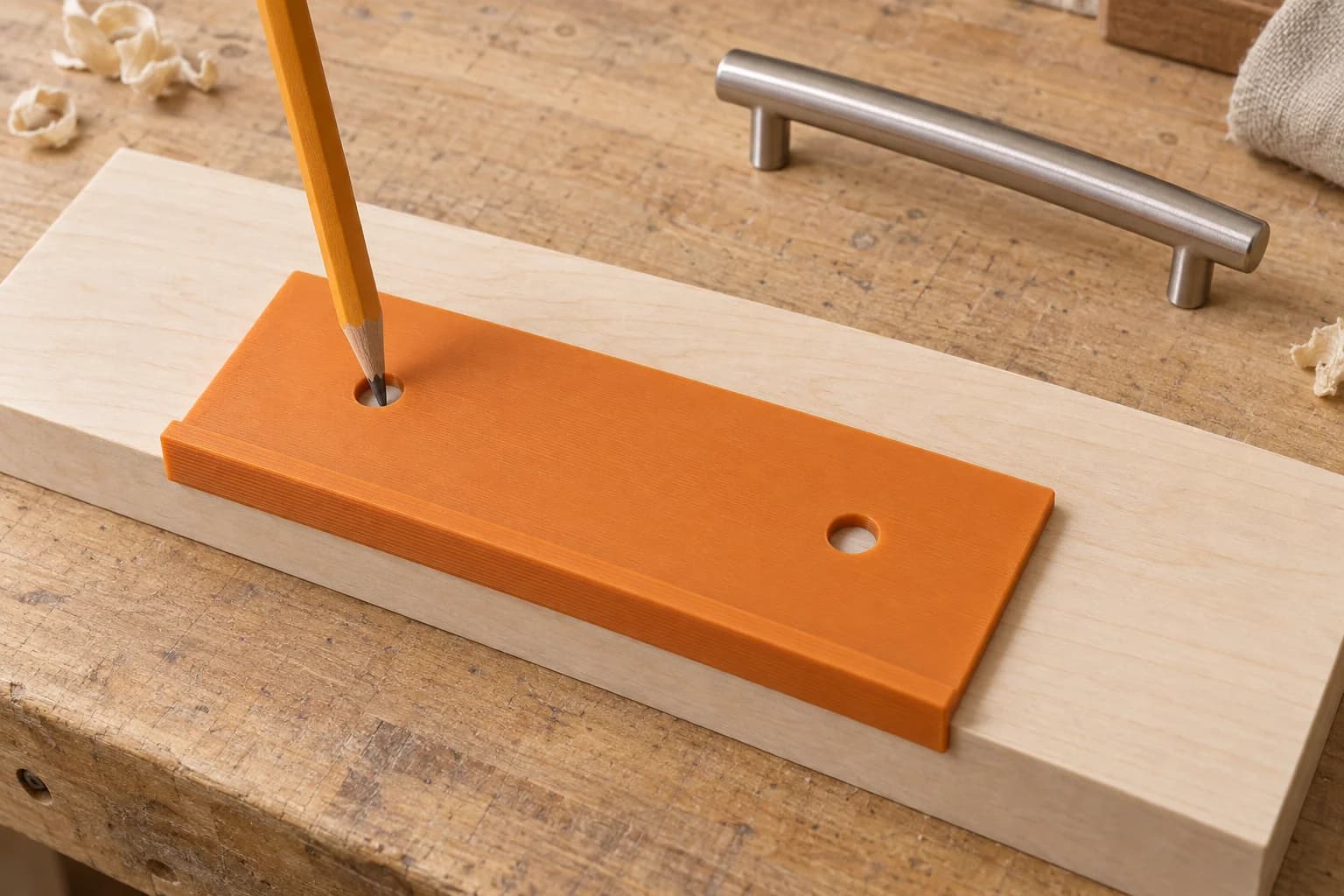
3D printed handle-layout templates for cabinet installers
A printed cabinet handle template starts with an approved layout. Record exact fixing centres, named edges and handedness, then check one sample on scrap.
· 9 min read
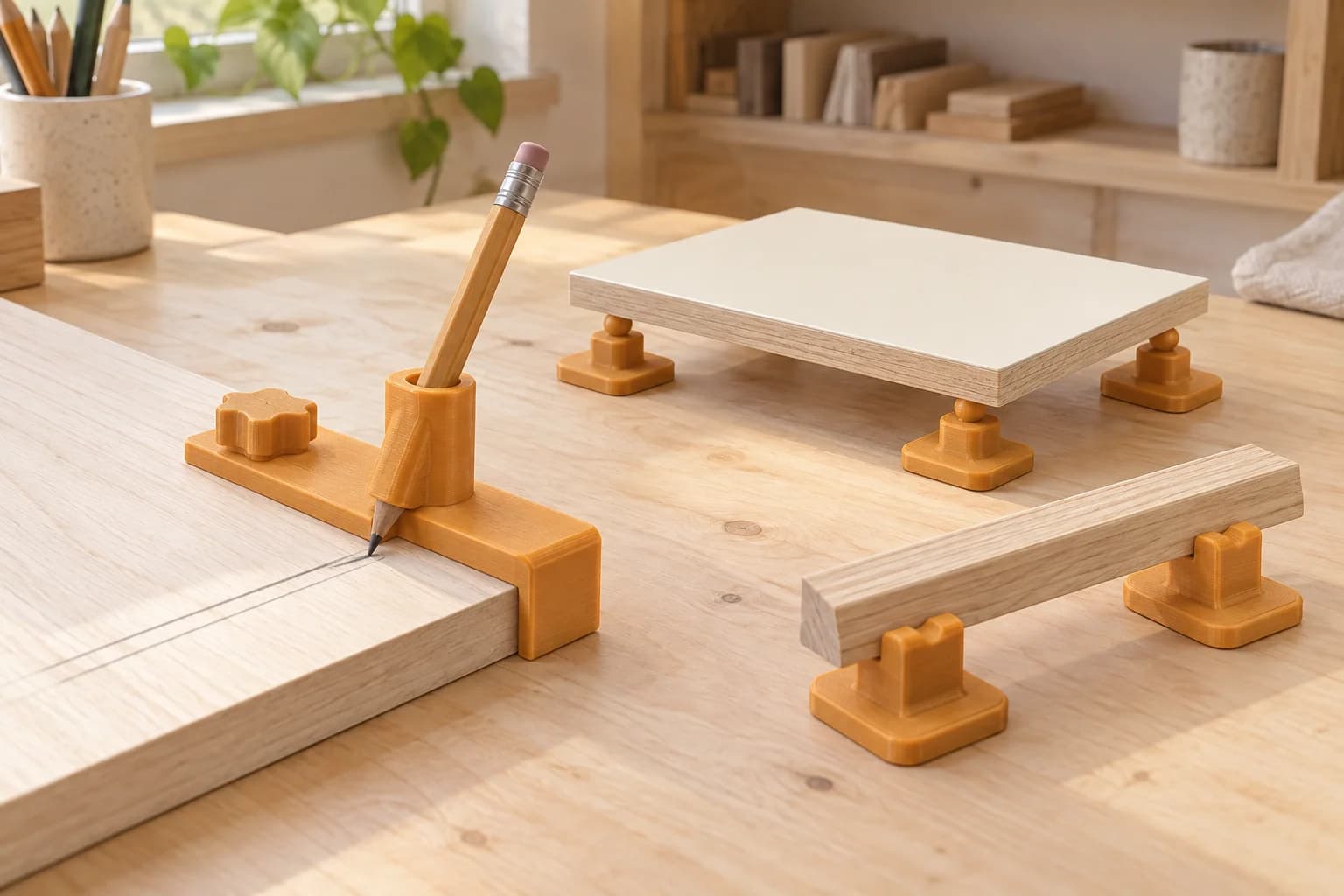
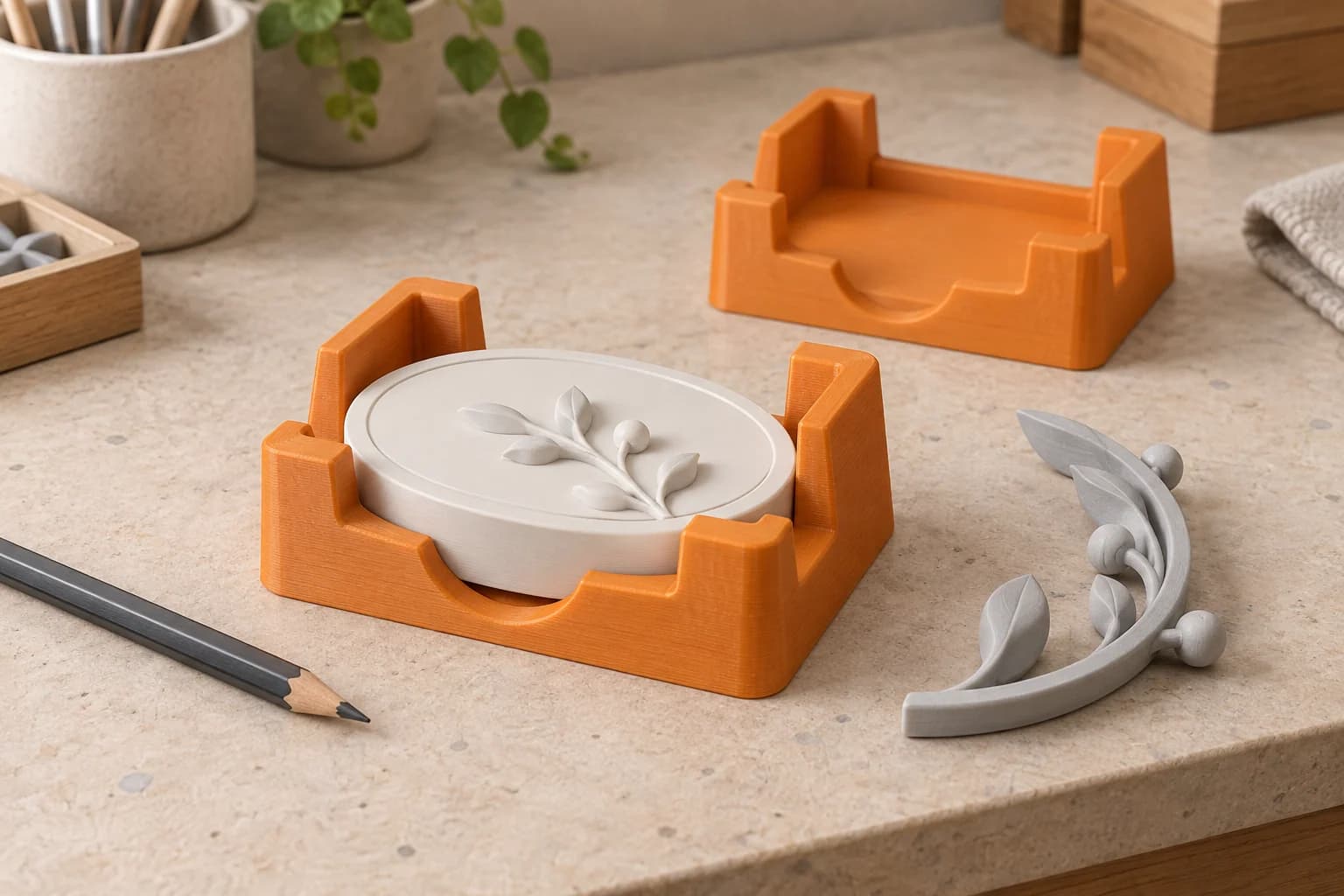
Marking guides and painting stands for millwork shops
Use one reference edge for a marking-guide trial and one coated sample for a paint-support trial. Compare custom shapes with conventional tools before ordering a set.
· 9 min read
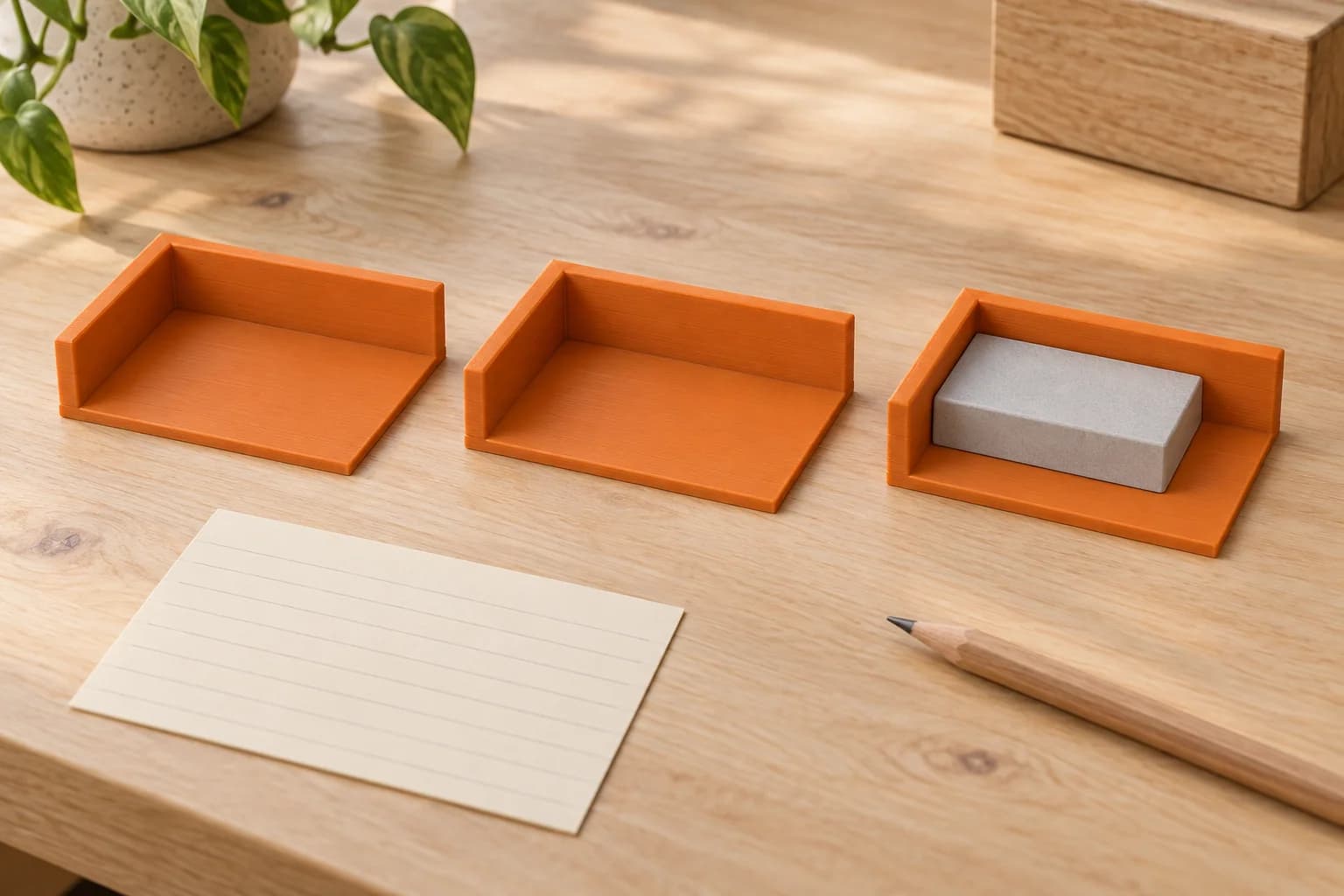
Small-batch assembly jigs for Toronto workshops
A component nest is useful only if it seats the part, leaves the work accessible and repeats the right position. Plan one low-load bench aid and a practical fit check.
· 9 min read
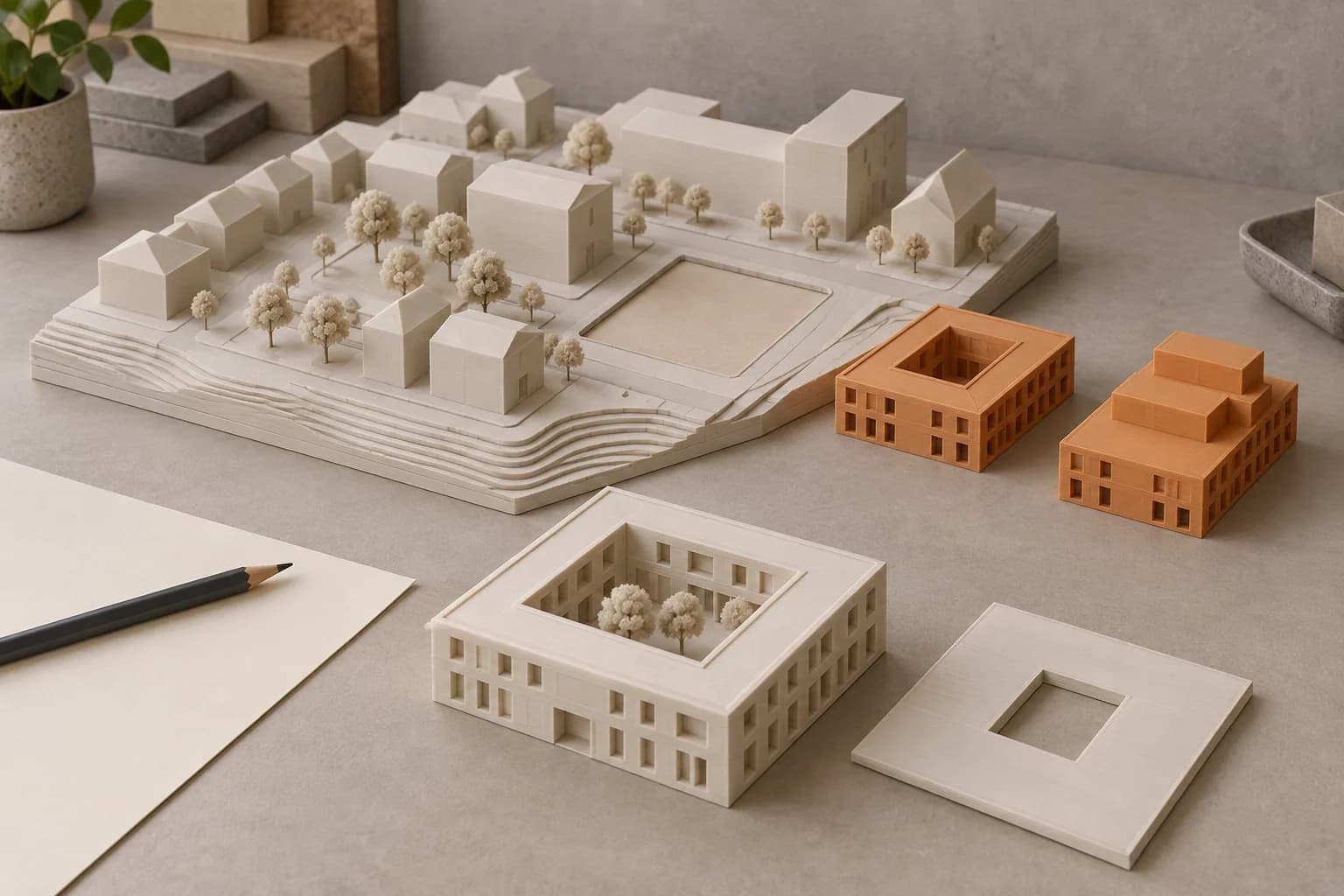
From one fit sample to a batch of workshop fixtures
Turn a successful fit sample into a controlled batch order with contact references, a sample acceptance sheet, separate geometry and preparation records, and receiving checks.
· 9 min read
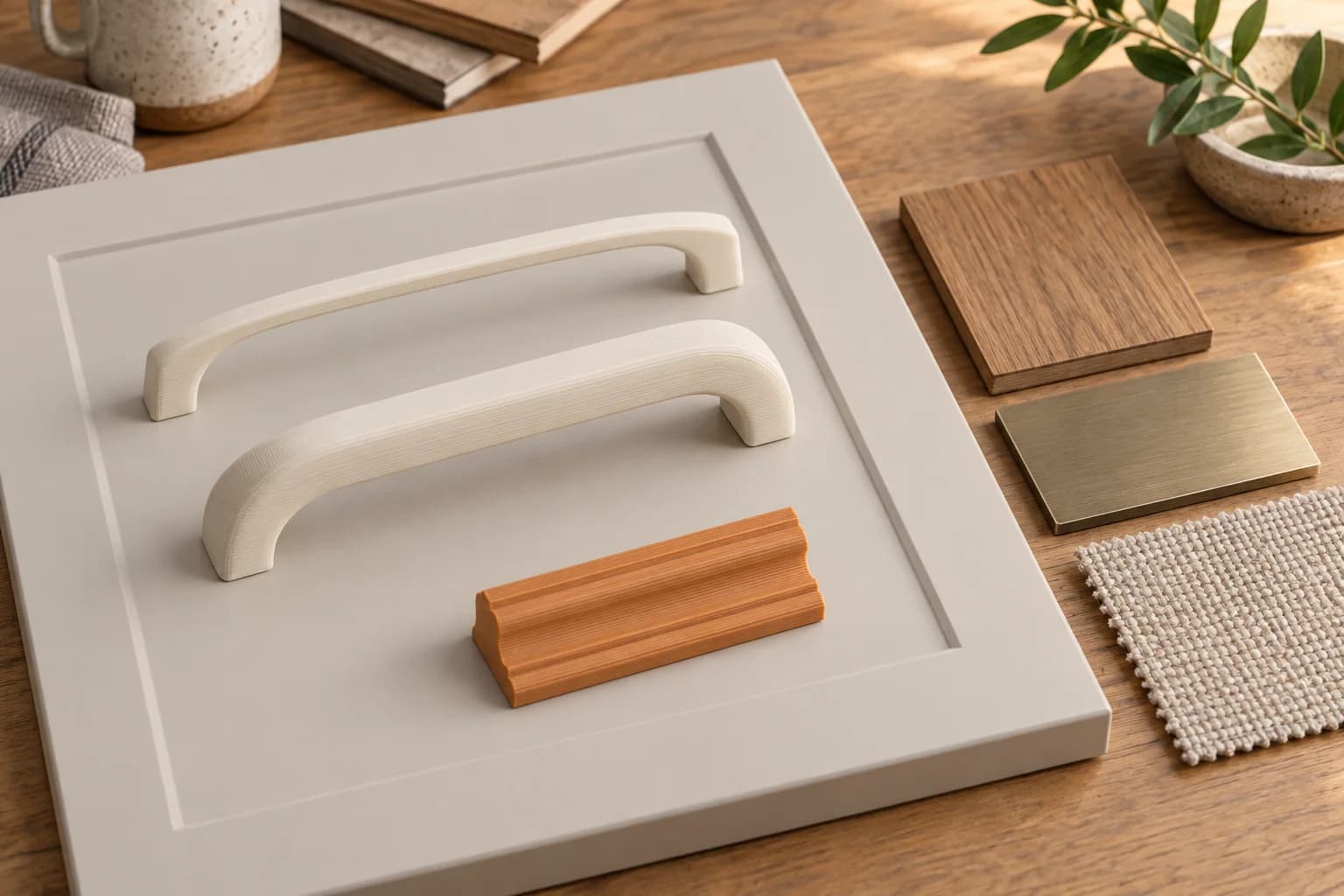
3D printing for Toronto architects: scale models for client meetings
Choose the meeting question before the model's detail level. A practical guide to checked scale conversions, modular site models, removable roofs and prepared print files.
· 8 min read
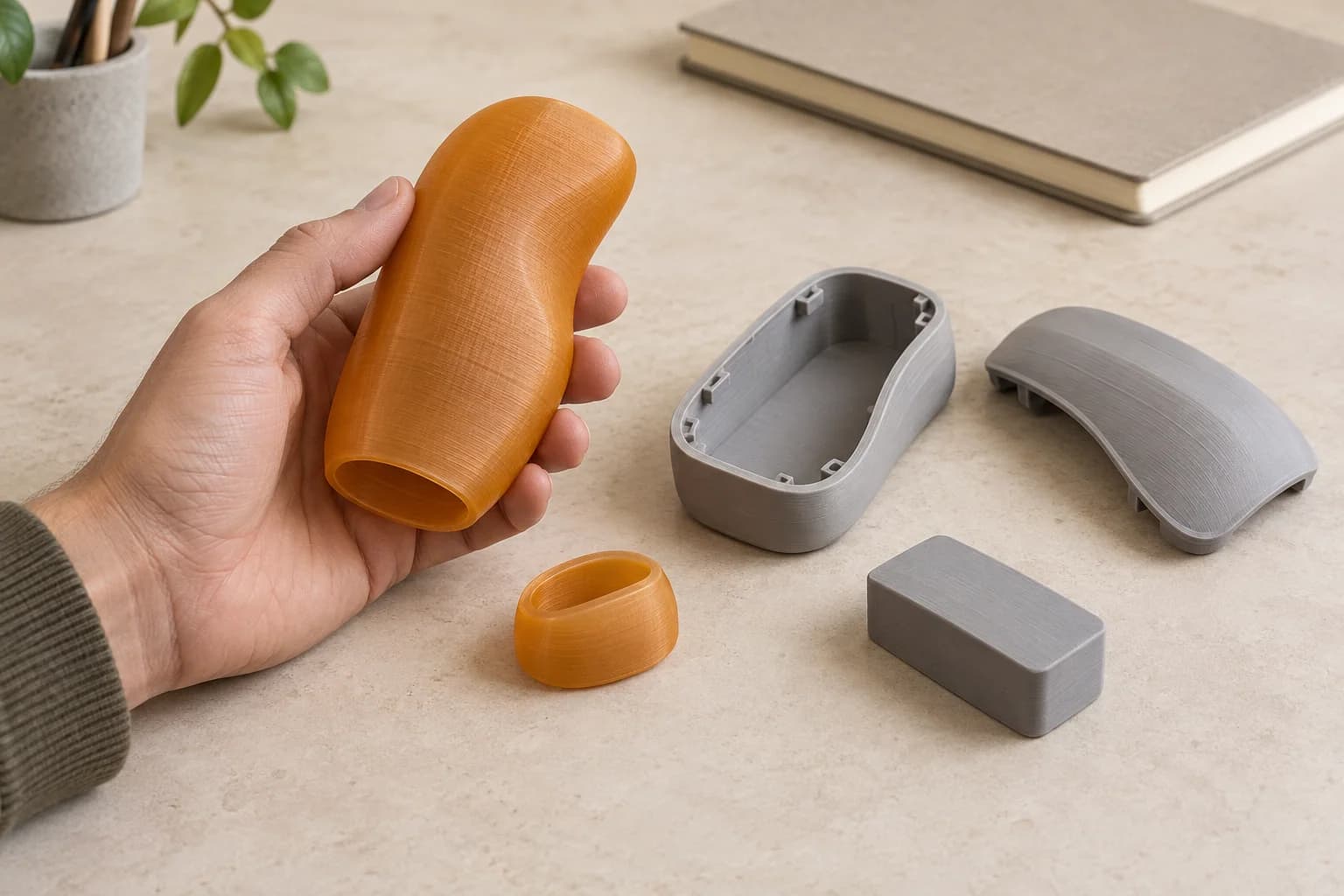
Interior-design mockups: checking proportions before fabrication
A practical review method for interior designers: choose the right sample scale, compare custom forms consistently, and give the fabricator a precise client decision.
· 8 min read
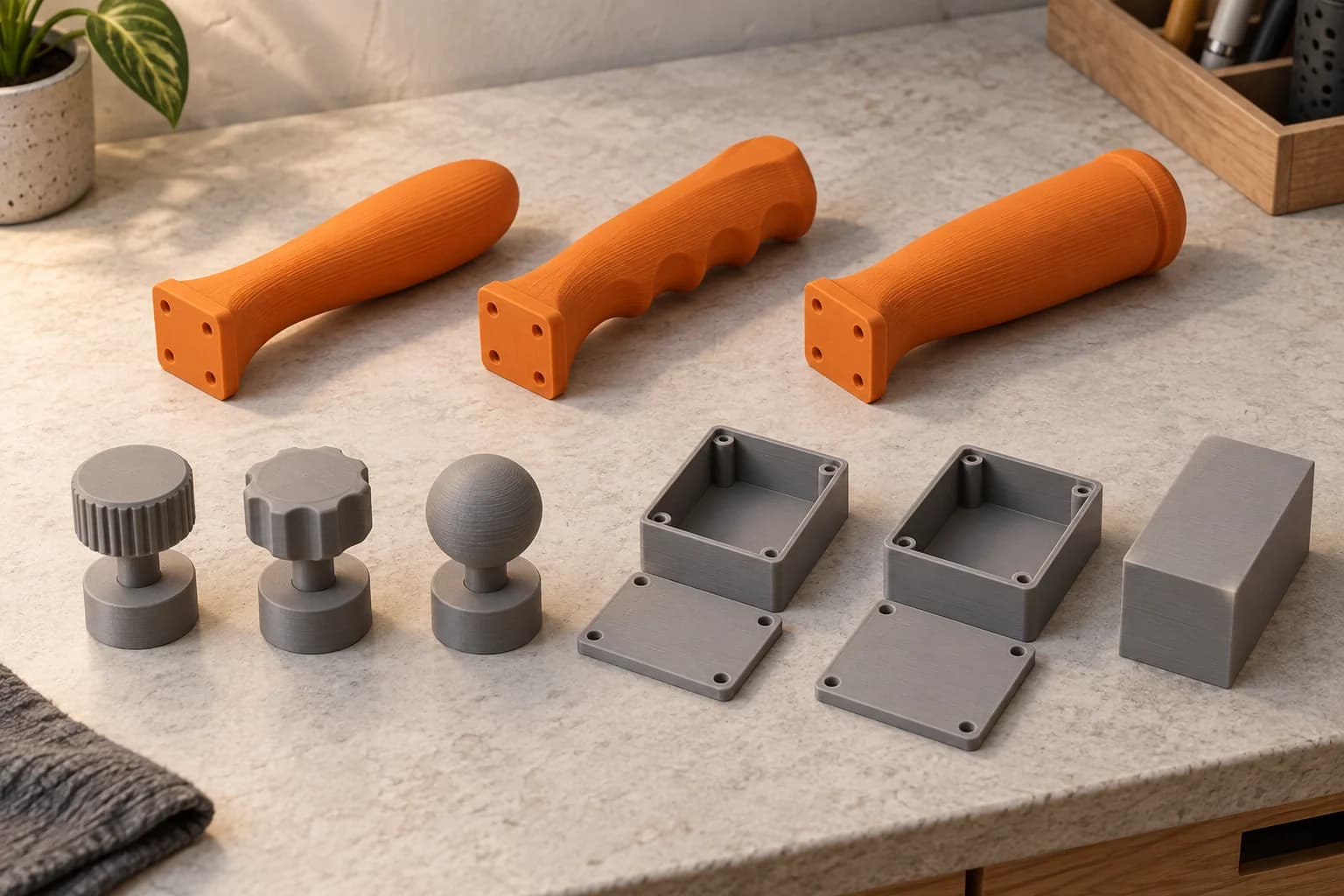
3D printing for product designers: form and fit prototypes before tooling
Give a product prototype one physical question to answer. Separate form, assembly fit and function, then carry a clear learning record into the next CAD revision and tooling discussion.
· 8 min read
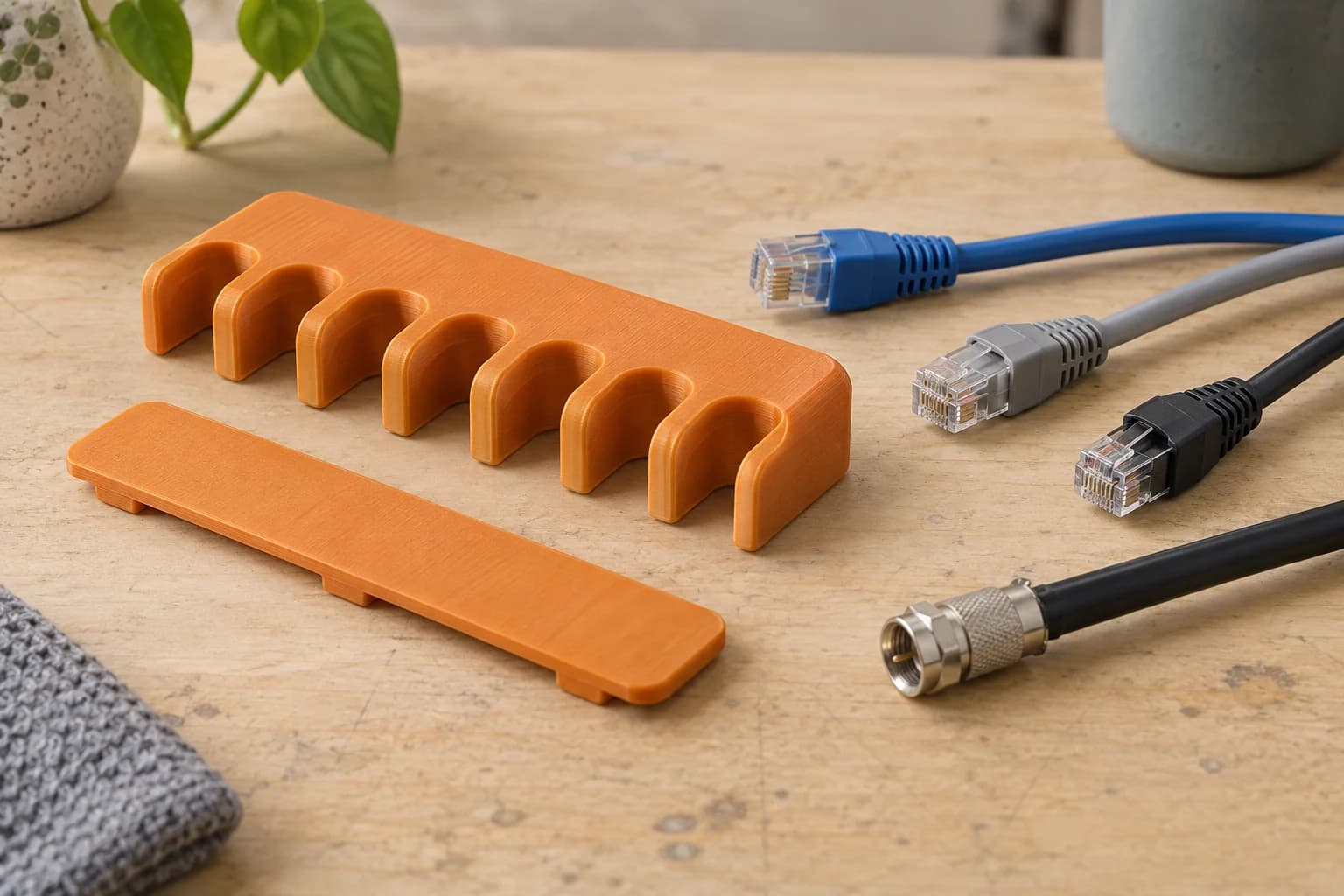
Comparing handle, knob and enclosure-shell variants with test prints
A bench worksheet for comparing handle profiles, knobs and empty enclosure shells while keeping reference geometry, print conditions and observations traceable.
· 8 min read
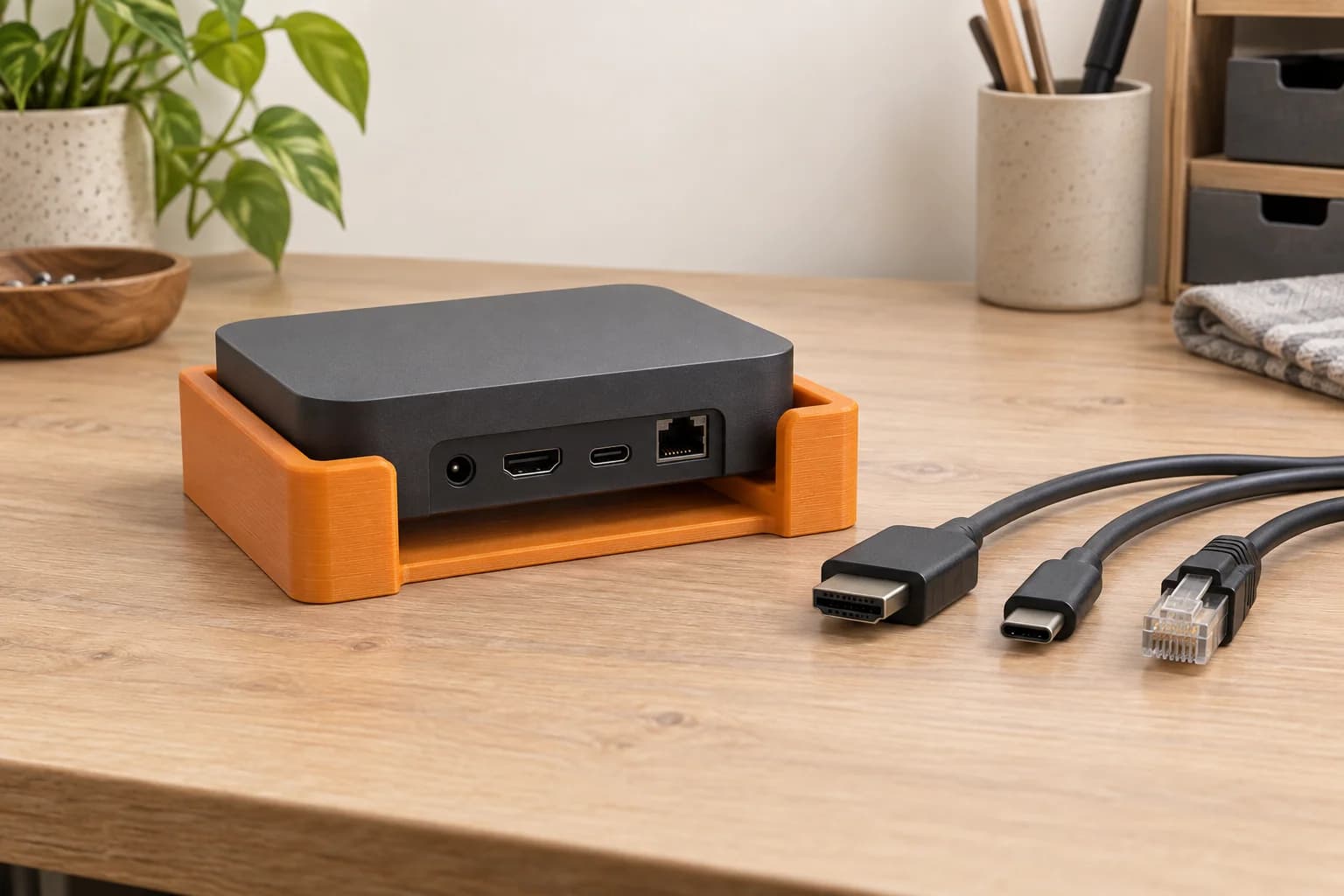
3D printed cable combs for network and AV installations
Choose between a removable dressing tool and a retained separator, check actual cable and connector dimensions, and test one sample before a repeat order.
· 8 min read
Printing device holders for AV installations: dimensions and access checks
A practical desktop-holder access map for AV installers: identify the exact device, test the actual plug bodies and rehearse removal before ordering repeat prints.
· 9 min read
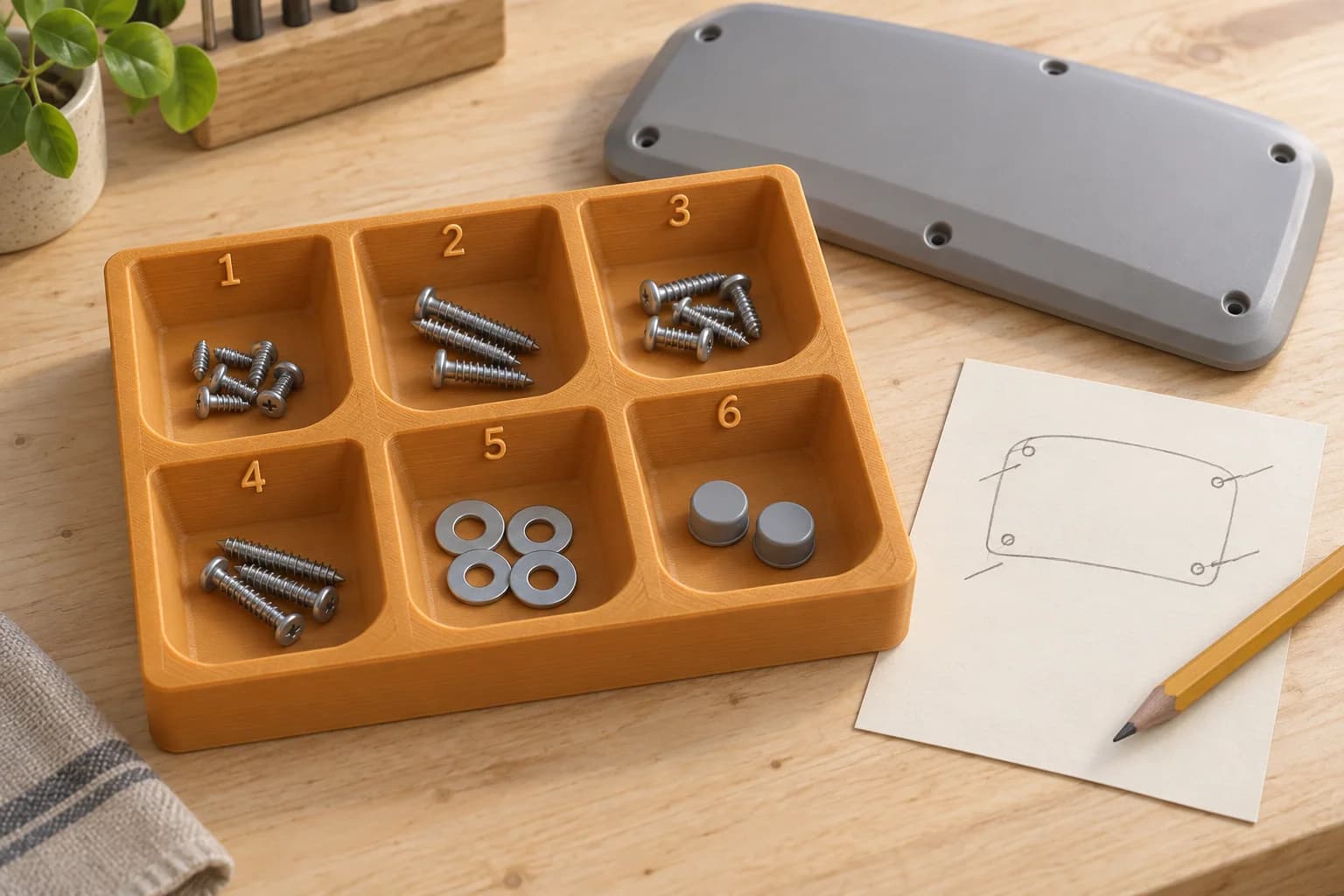
Repair-bench organizers: numbered trays for screws and small parts
Build a numbered-tray routine around one device, separate fastener groups and a useful location record, then decide whether a printed layout suits the bench.
· 8 min read
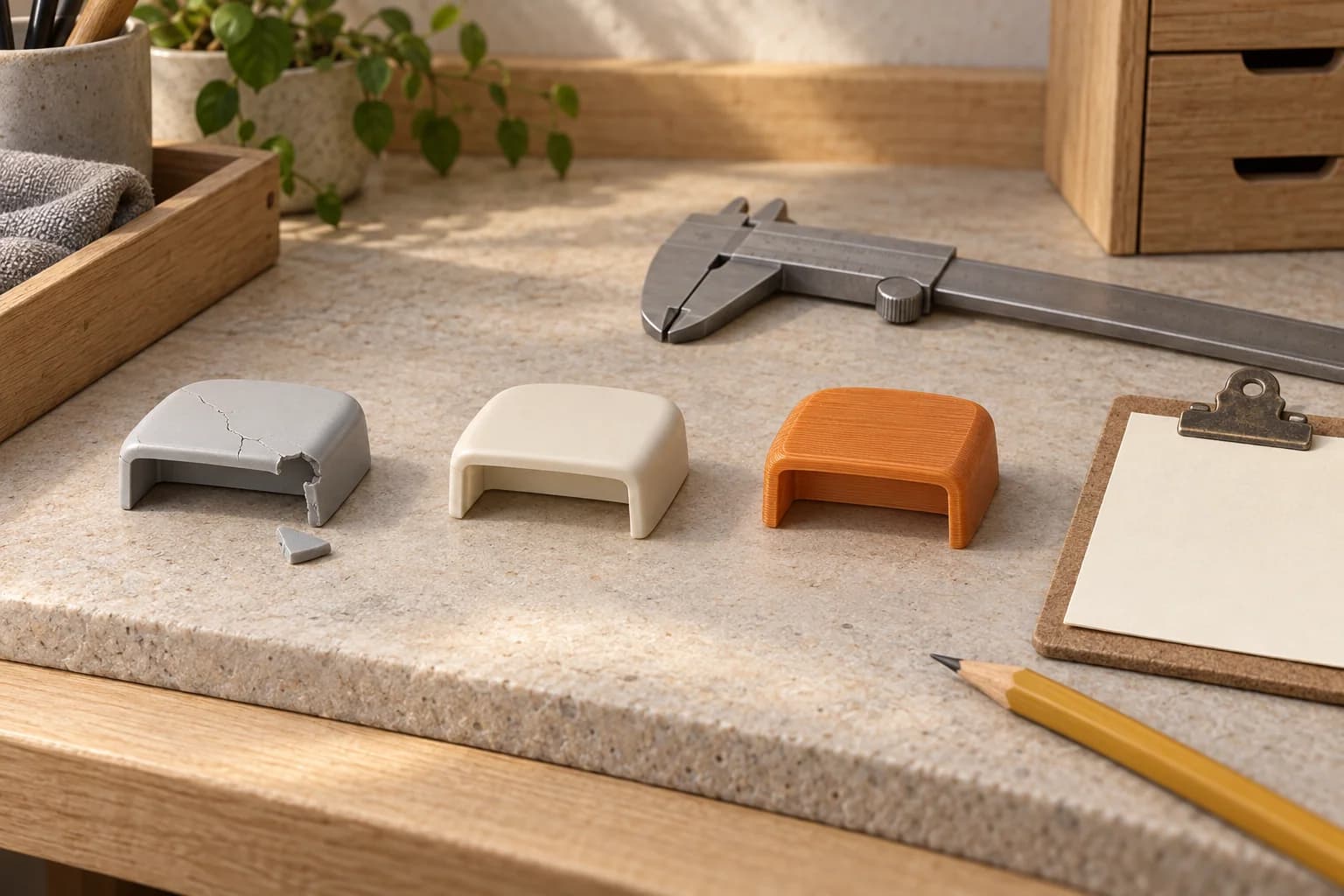
Discontinued plastic parts: an OEM-or-print checklist for repair shops
A repair-shop bench ticket for checking discontinued plastic parts: identify the exact part, record the OEM search, assess an authorized model and decide what one sample needs to prove.
· 8 min read
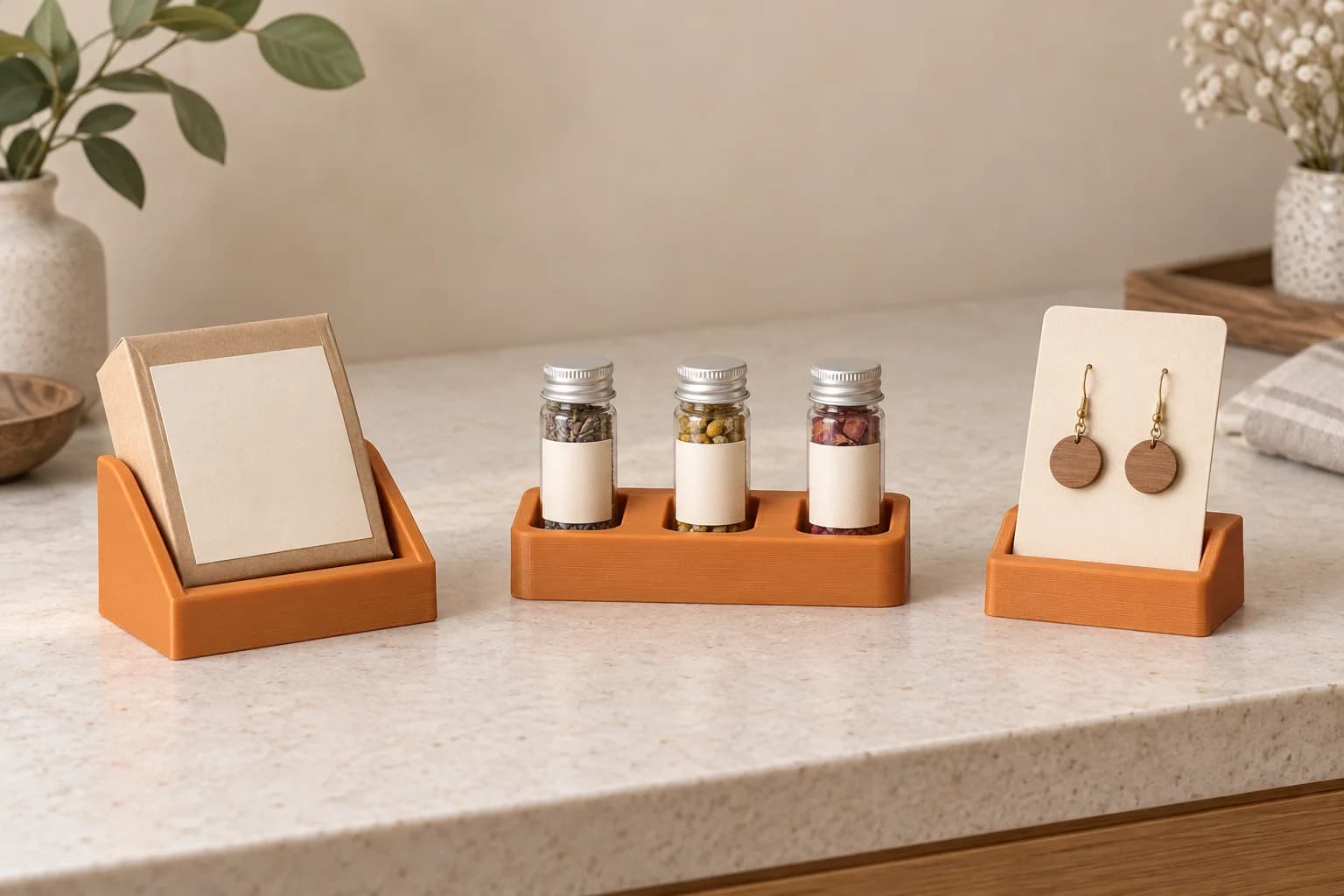
Small 3D printed retail displays: product stands and sample holders
Choose a small countertop display by the job it needs to do: face a light product towards shoppers, separate sealed samples or hold a jewellery card. Compare its working footprint with stock alternatives.
· 9 min read
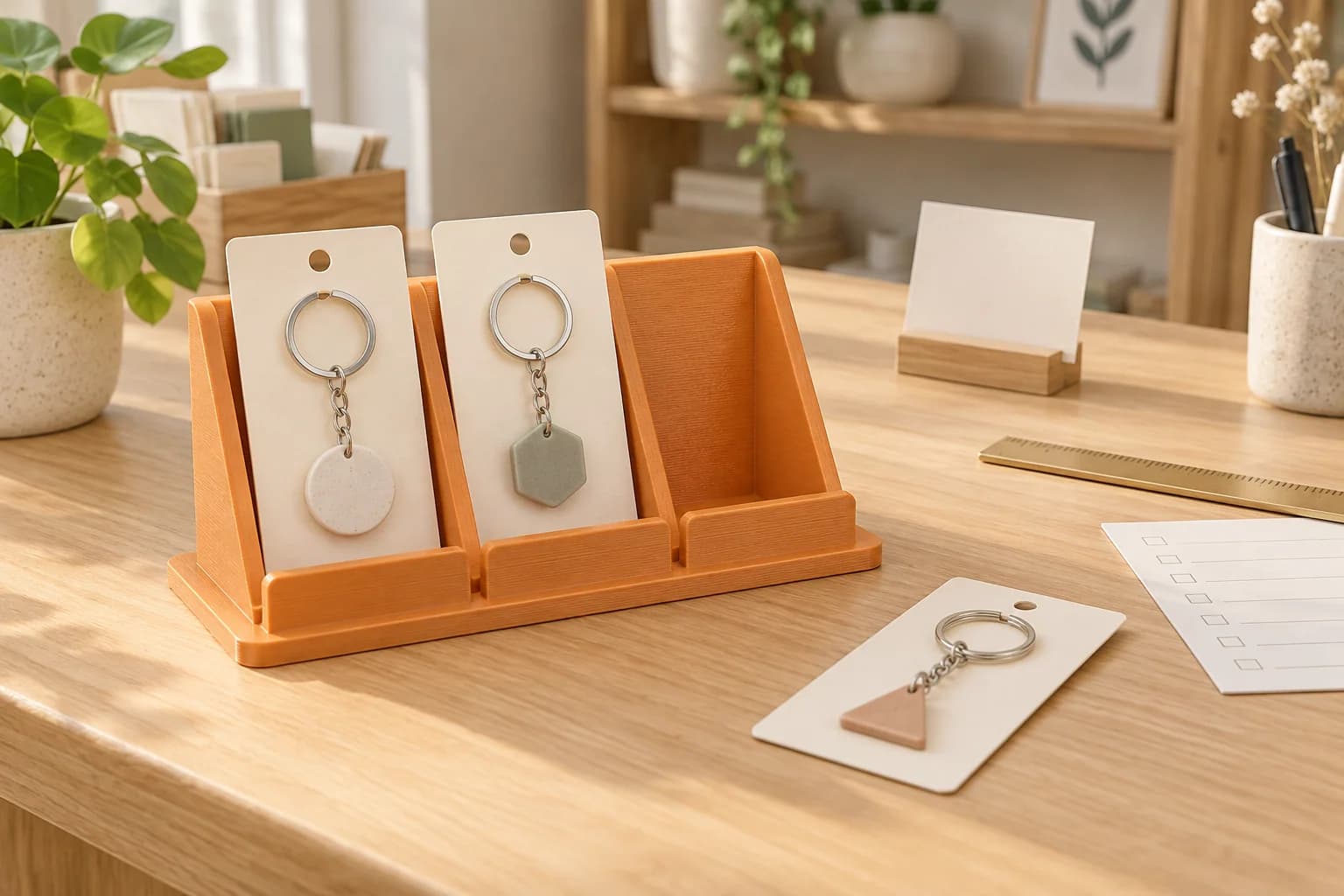
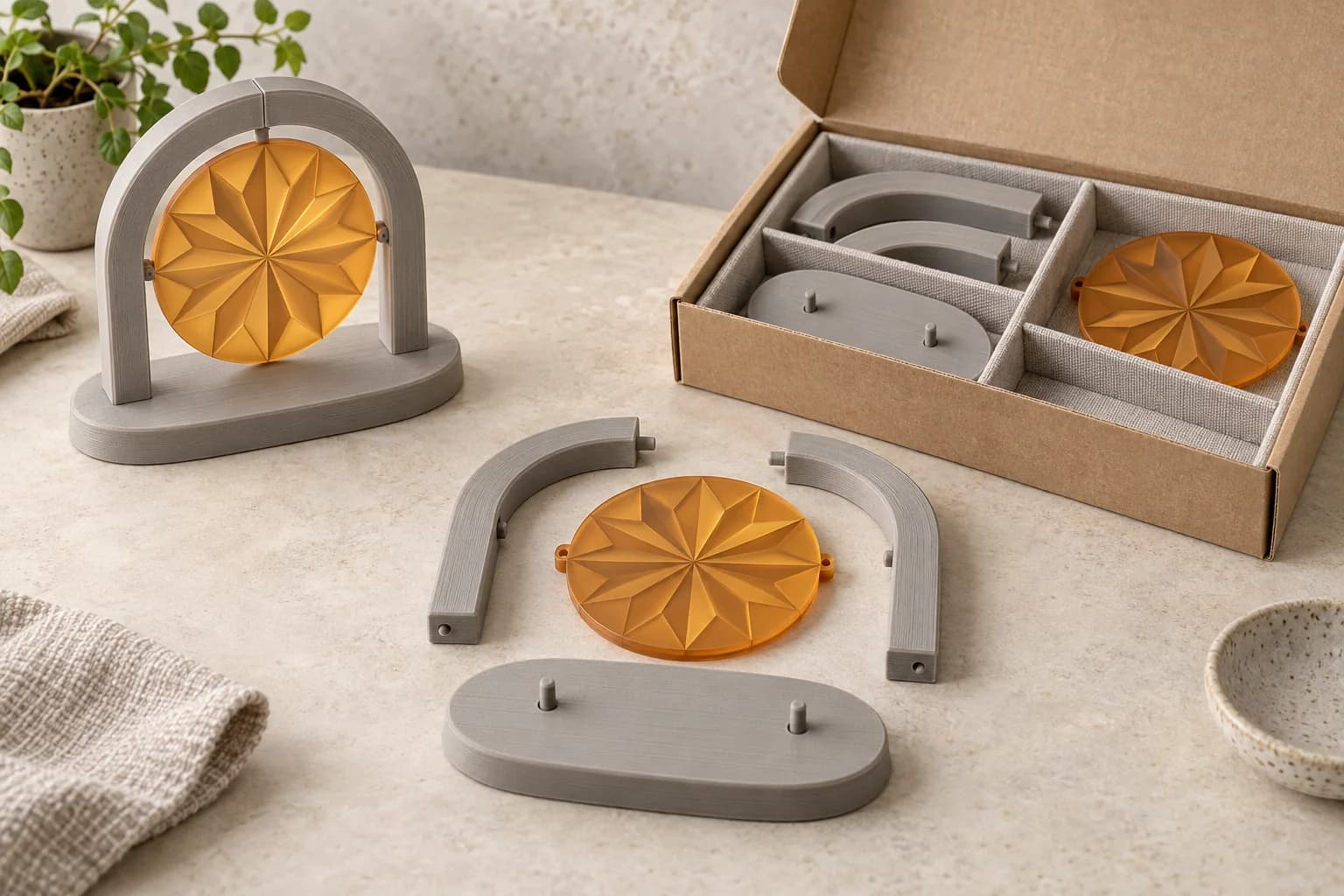
Test one countertop display before ordering the set
Use one light-product display sample to review the actual package, counter, customer-applied finish and cleaning method. Record what passed before repeating the approved file.
· 9 min read
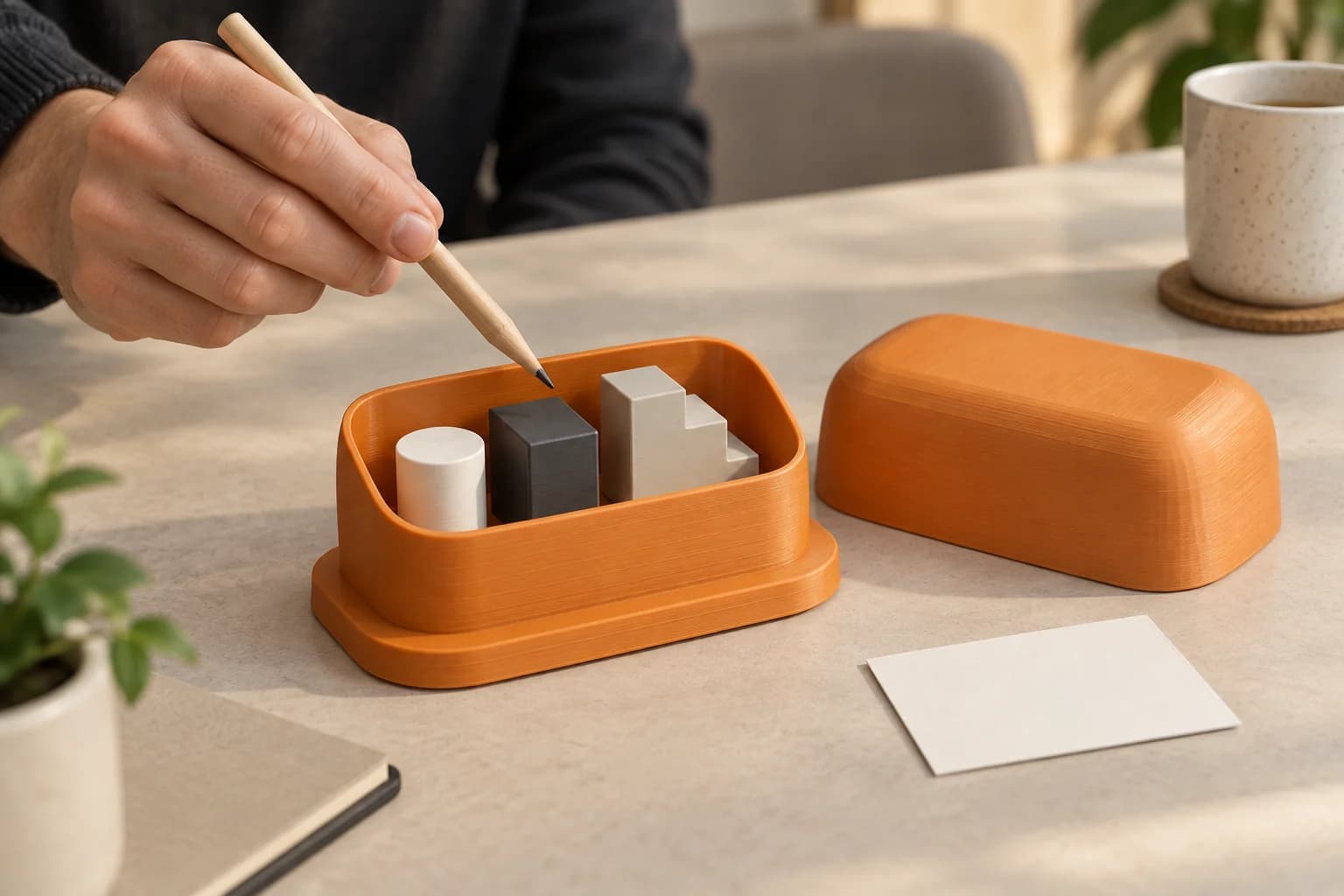
3D printed corporate-event props: assembly, finishing and reuse
Turn small decorative event parts into a planned kit: decide where they split, approve the joints and finish, and prepare them for packing and reuse.
· 9 min read
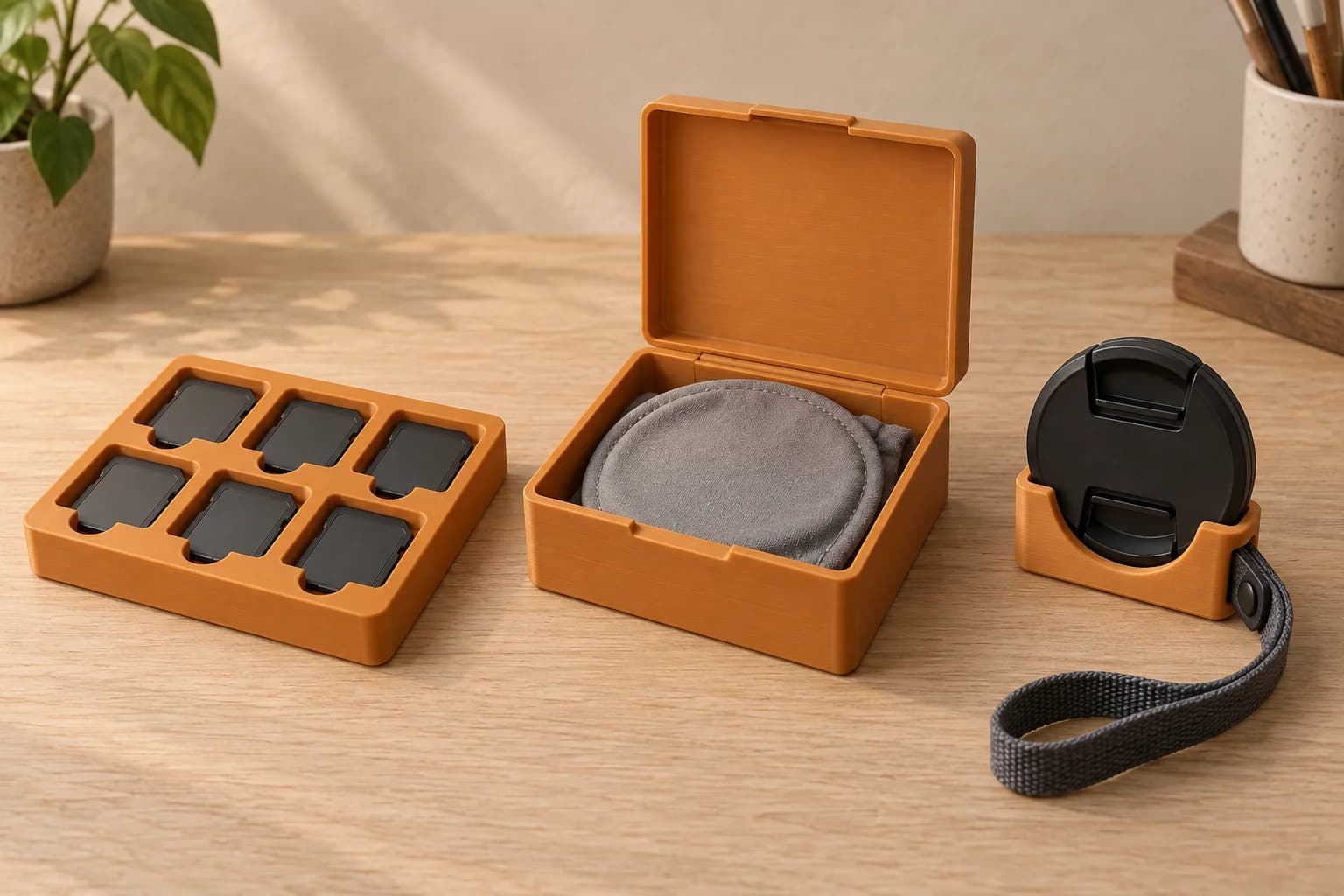
Demonstration models for trade shows and client presentations
Start with the visitor's question, then choose a scale model, cutaway or enlarged detail. A practical brief for preparing a small nonfunctional presentation model.
· 9 min read
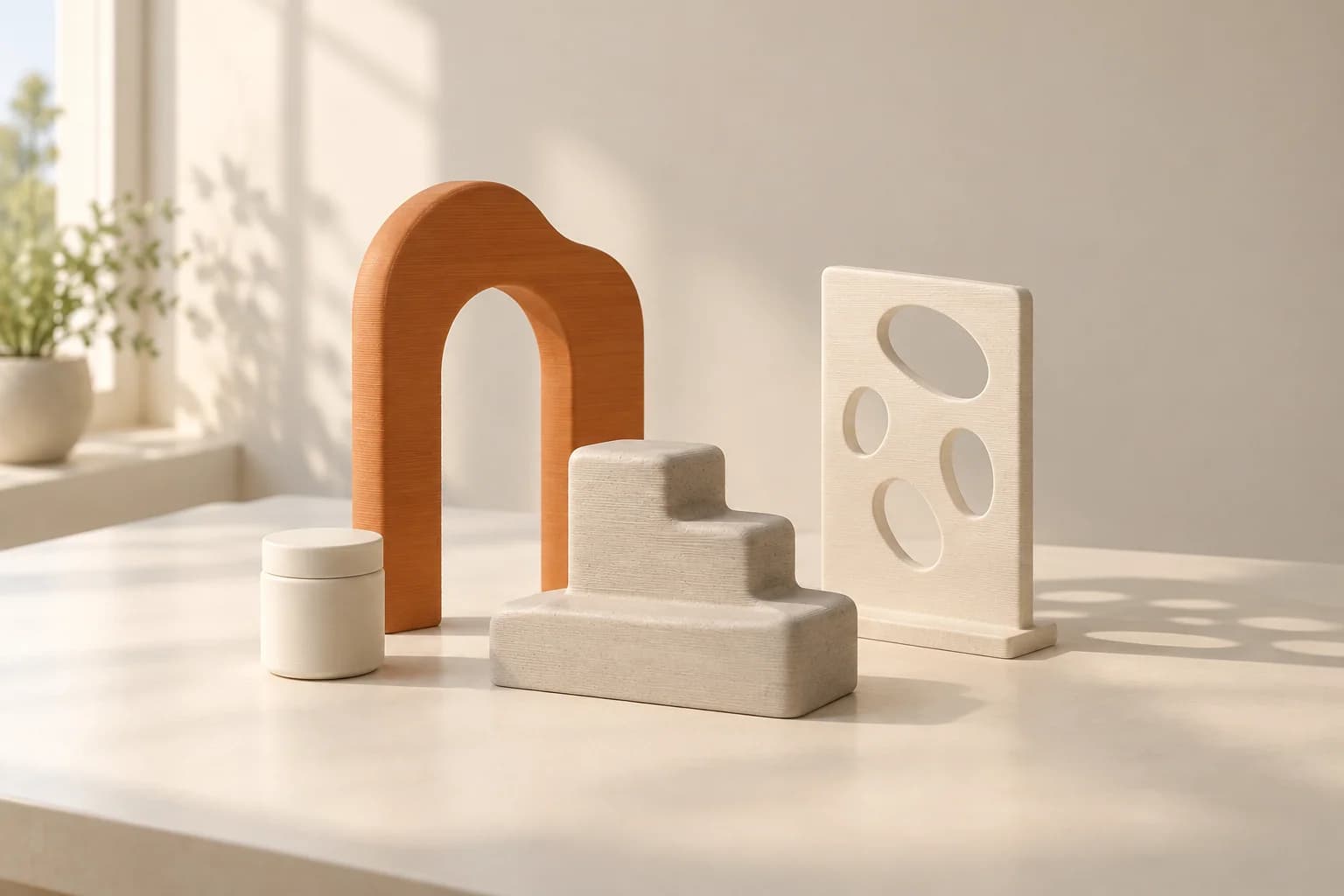
3D printing for photographers: card cases, filter boxes and lens-cap holders
A practical kit-fit guide to printed card cases, filter storage and detached lens-cap holders, including original-case alternatives, file licences and sample checks.
· 9 min read
3D printed photo props: shapes, texture and window-light patterns
Choose decorative tabletop shapes for the final frame, compare existing props and compatible light modifiers, and use a proof-of-shot worksheet before ordering a set.
· 6 min read
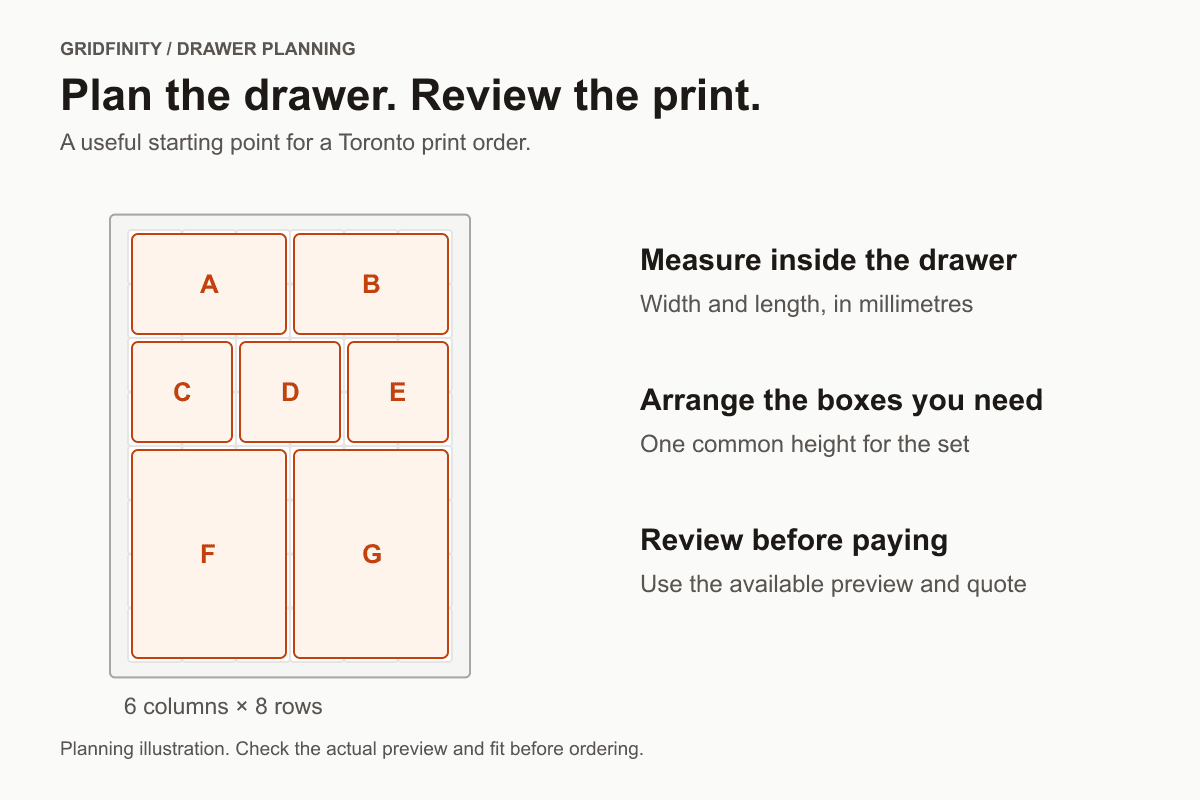
Gridfinity printing in Toronto: plan your drawer and order parts
Start with your inside drawer measurements, arrange the bins you need and follow the calculator’s available preview and ordering options. We explain what to check before paying for a Toronto print order.
· 6 min read
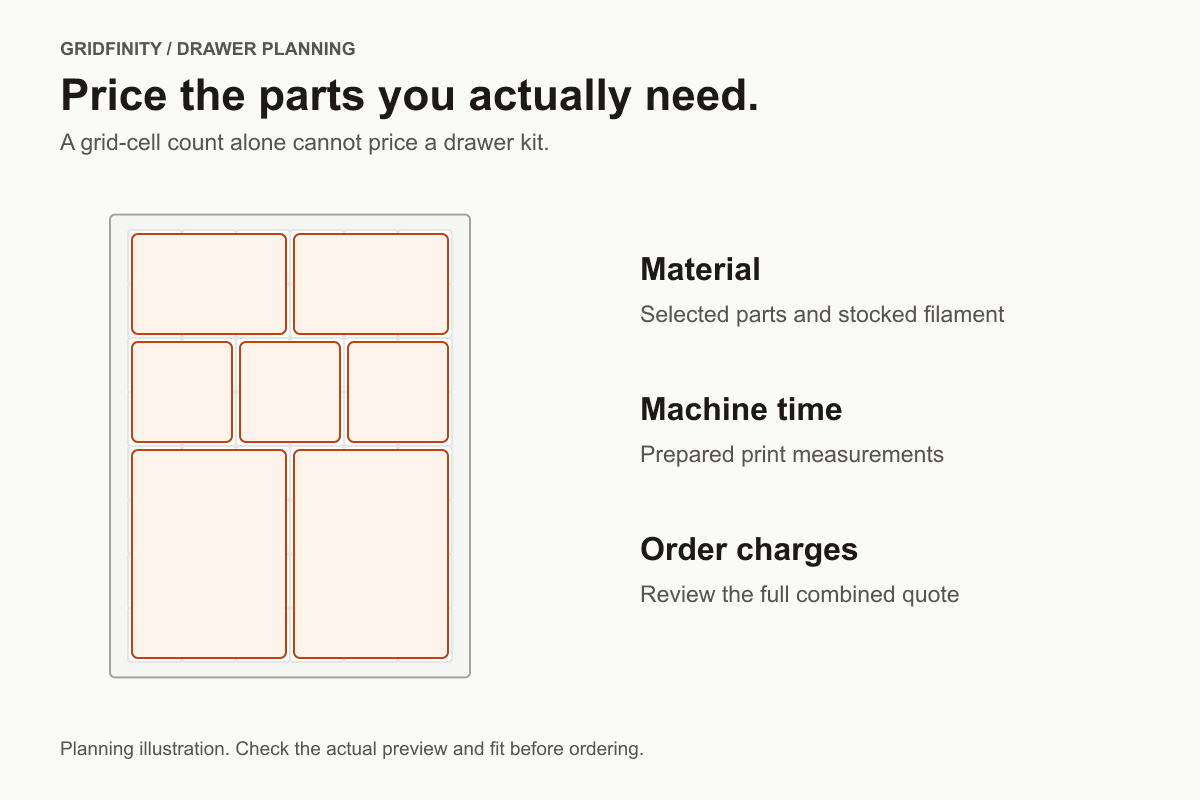
Gridfinity printing cost in Toronto: what goes into your quote
A drawer’s dimensions tell you how much grid fits. Your selected parts, material and print time determine the price. Use this checklist to compare a bin, a baseplate or a complete drawer order.
· 6 min read
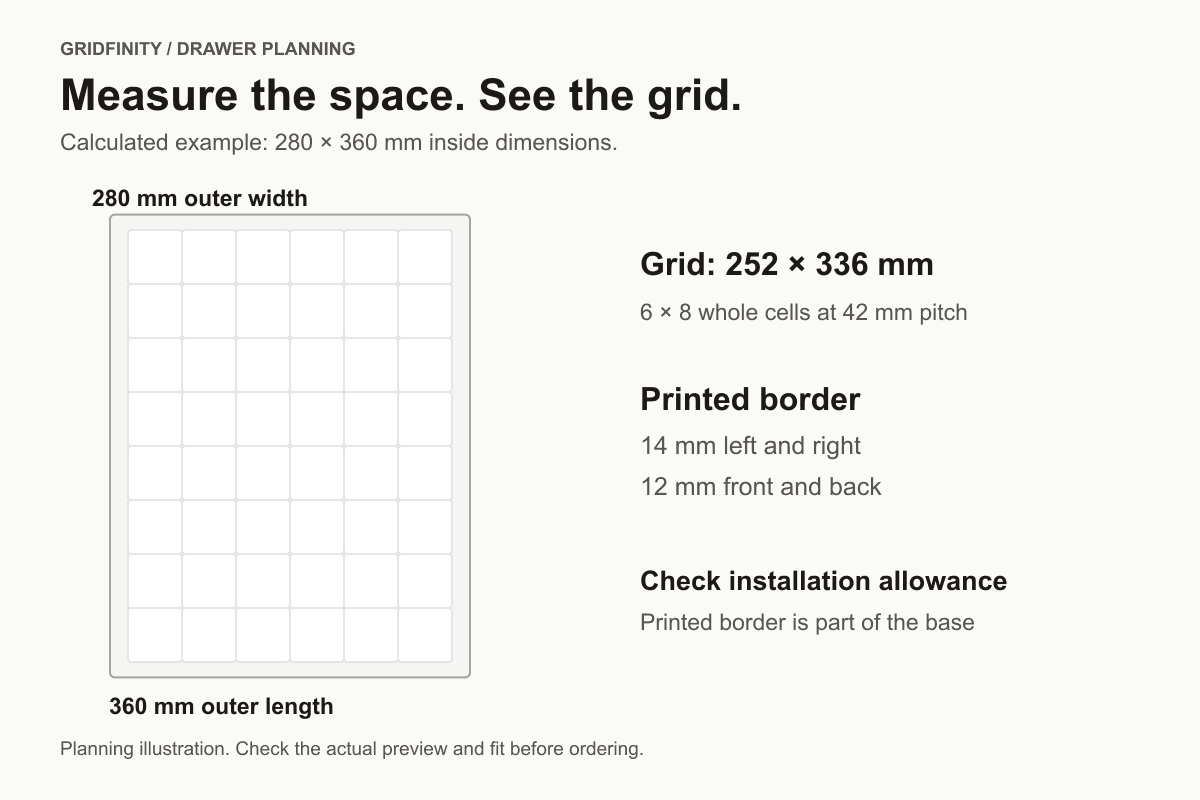
How to measure a drawer for Gridfinity bins and baseplates
Measure the usable inside space, calculate the whole grid cells and check the height separately. Our worked examples explain exactly what the calculator does with the remaining drawer space.
· 6 min read
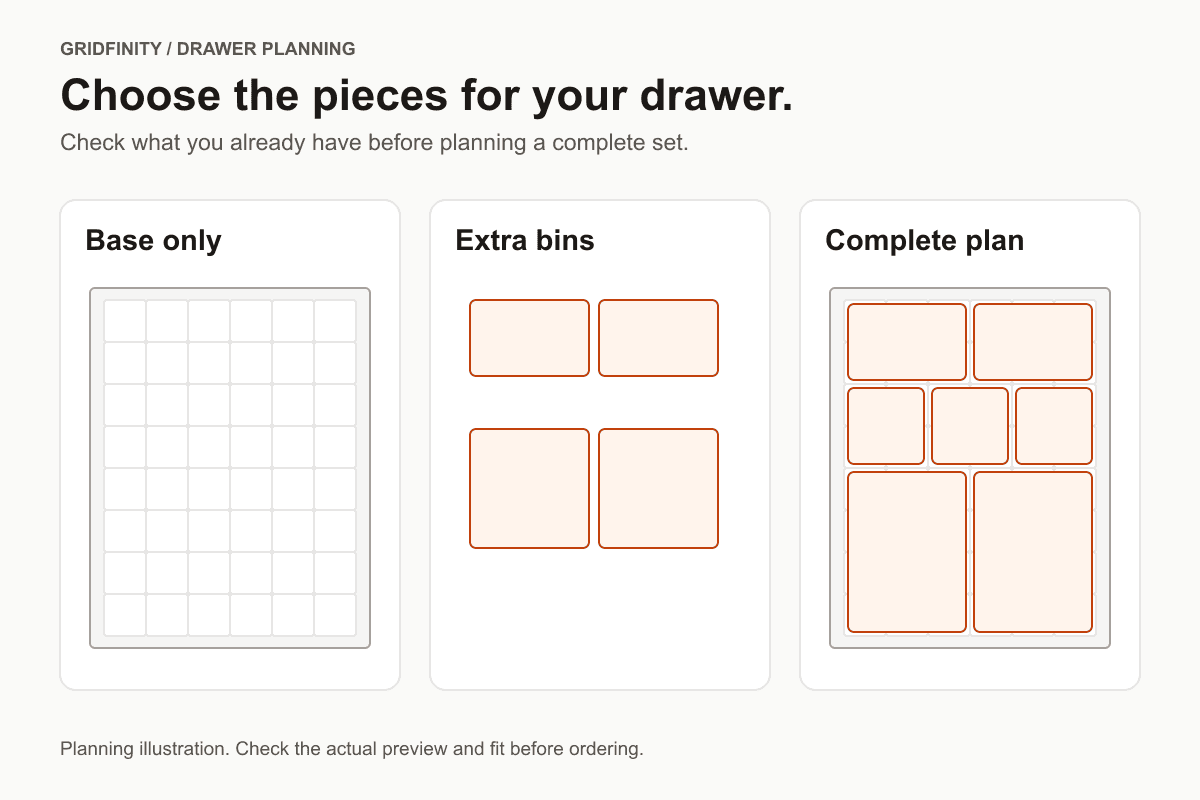
Gridfinity baseplate or bins: what should you order?
Order the components your drawer actually needs. Compare a base-only plan, bins for an existing grid and a full set, then check how the parts will fit together.
· 6 min read
Plan a Gridfinity tool drawer before ordering prints in Toronto
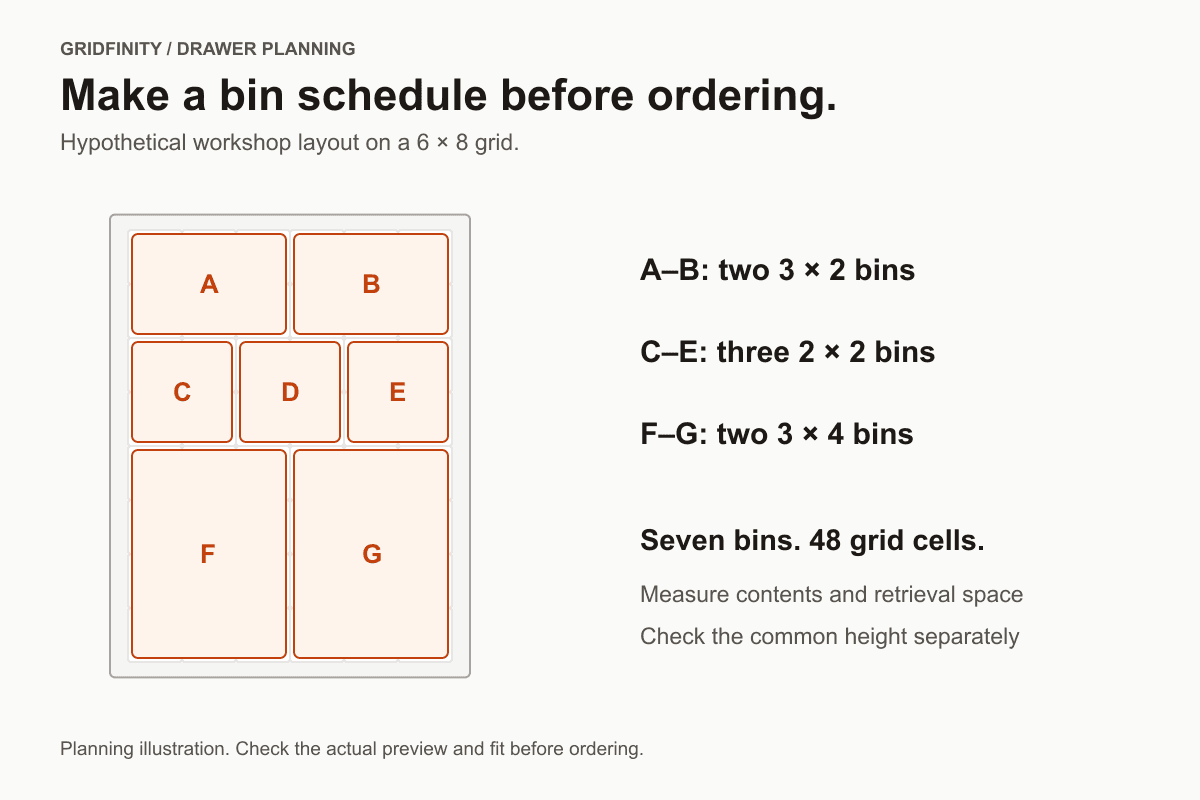
Sort the items you want to store, check the room needed to pick them up and plan a bin schedule. A hypothetical seven-bin drawer shows how to turn that list into a calculator layout.
· 9 min read
3D printing supports: what they are and how to use them
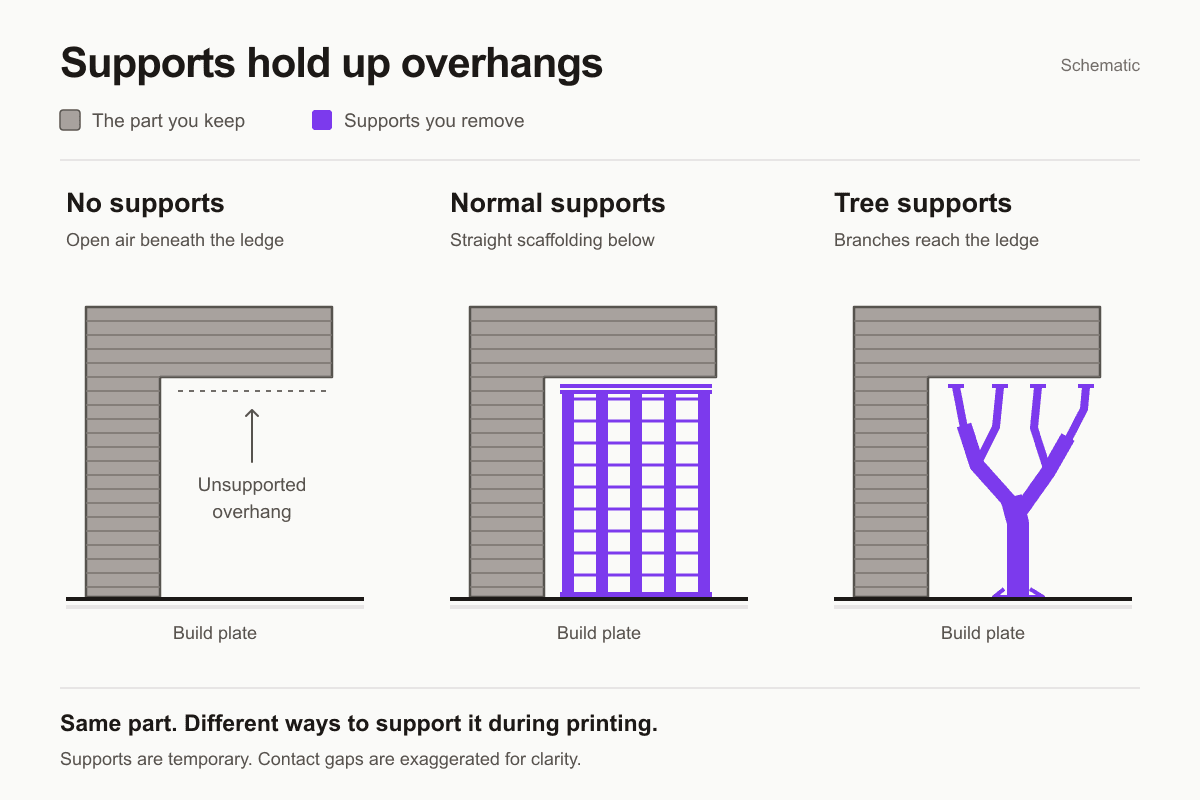
Supports hold up overhangs and features that start above the print bed. Learn where to use them, how to check the sliced result and what to adjust before ordering a print.
Already have a sliced file?
Skip the reading and upload it for an instant quote.