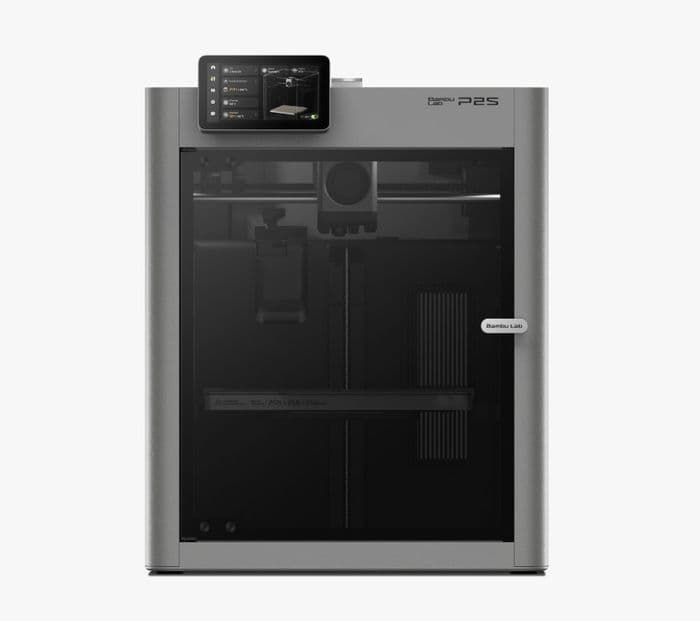
Bambu Lab P2S
- Build volume
- 256 × 256 × 256 mm
- Nozzle
- 0.4 mm
- Multi-color hardware
- AMS equipped
3D print bureau · Downtown Toronto
Upload your file or adjust one of our designs, then pick it up in downtown Toronto. We generate the exact quote before payment and start each paid job only after checking the machine and clearing its bed.
Upload a plate sliced for Bambu Lab P2S, choose available STL auto-slicing, or set the values for an in-house item.
Follow the slicing guide →We read or generate the printable file, show its weight, time and material choices, and give you the exact quote before Stripe.
Your job enters our workshop queue. We clear the assigned machine and start it, then you can watch live progress before pickup in downtown Toronto.
Start with the default material rate, flat fee, and machine time. Your upload gives the authoritative quote for the exact stocked filament and options you choose.
$5.00 base · $0.05/g · $2.00/h · $12.00 minimum · CAD
≈ $21.00
Base-rate estimate using the default material rate. Your upload quote uses the exact grams and time from your file, resolves the price of each selected stocked filament, and rounds each material slot separately. Rush tiers and fulfilment, when offered, are priced separately.
Want the full breakdown? Read the Toronto 3D printing price guide, then see how to lower a quote before uploading.
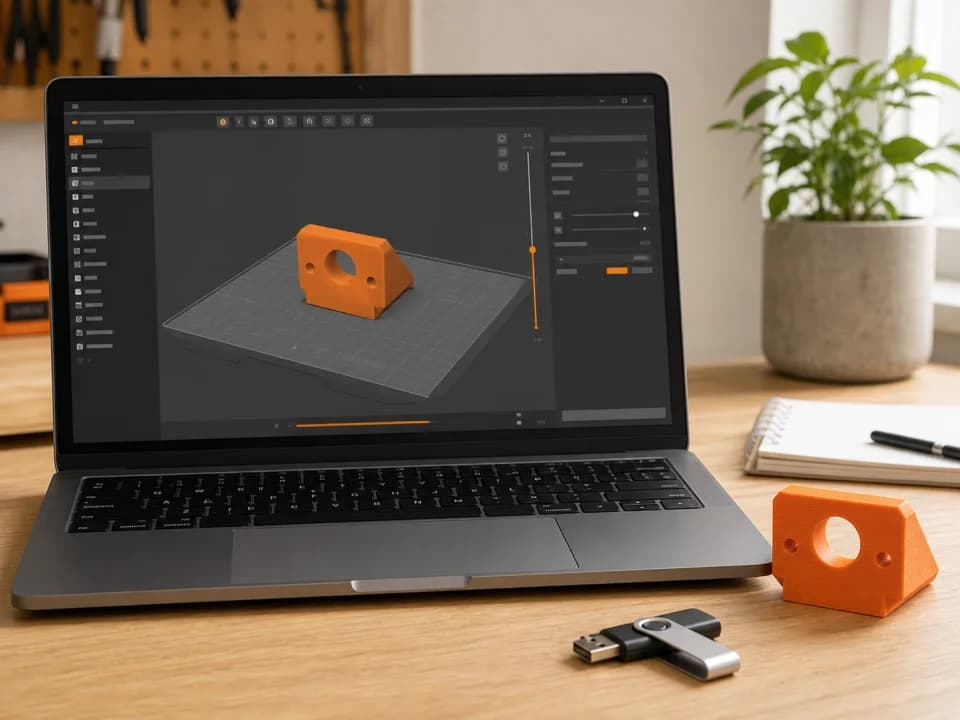
7 min read
Go from an STL or 3MF to a properly sliced, quote-ready file without losing the toolpath data during export.
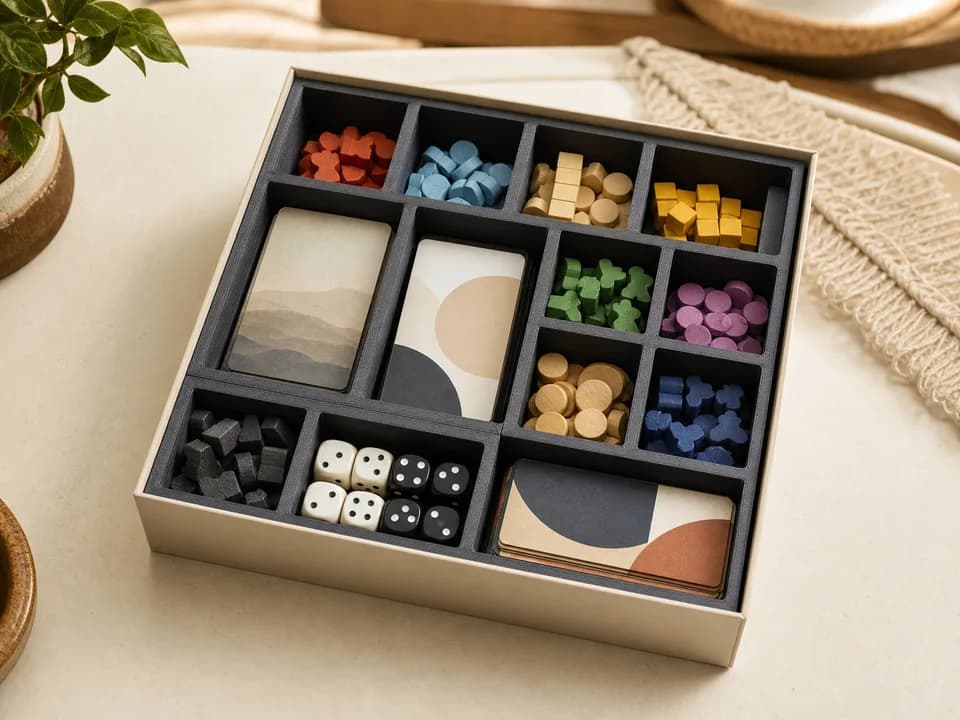
9 min read
A practical breakdown of base fees, material, machine time, minimums, rush service, and the numbers to compare before ordering.
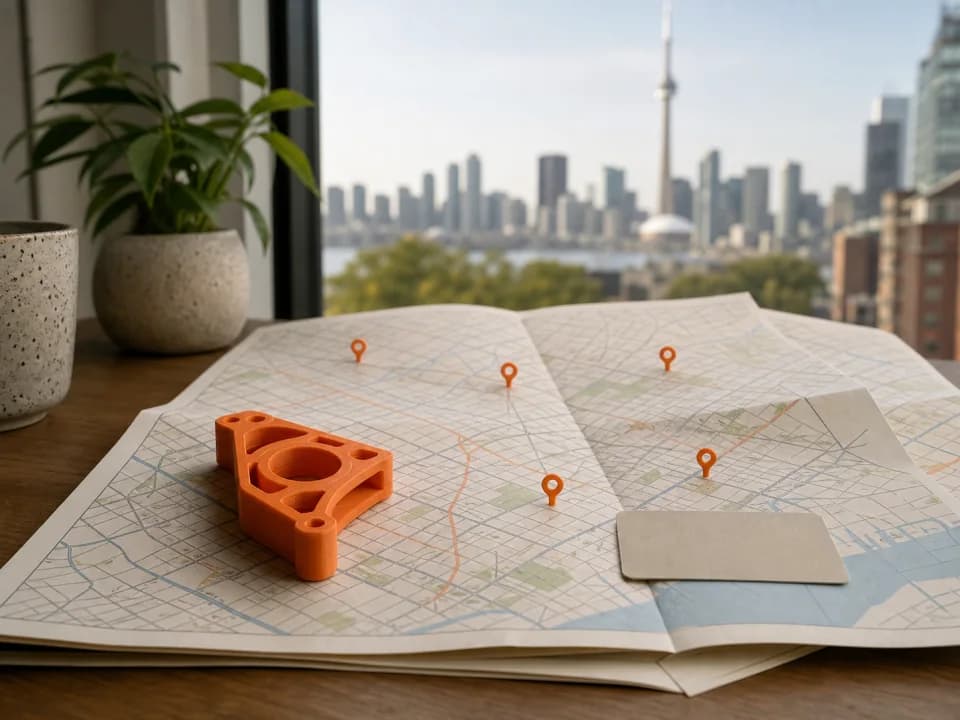
8 min read
Libraries, campus labs, and print services solve different problems. Use this decision guide to choose the right route for your part.
Choose a material to see the colors we have in stock. Hover or tap a color for its name and hex code.
Showing 18 available PLA colors.
| Material variant | Colors |
|---|---|
PLA Marble | |
PLA Matte | |
PLA Pure | |
PLA Silk+ | |
PLA Translucent | |
PLA Wood |
Choose one of our reviewed designs, enter the dimensions or text you need, and get the exact generated quote before paying.
You can upload a sliced .3mf or .gcode to choose the settings yourself. When auto-slicing is available, you can instead upload an STL, confirm its coordinates are in millimetres, and approve our standard settings with automatic orientation, arrangement and supports. An unsliced .3mf also offers opt-in auto-slicing when available. Review the resulting preview, material choices and CAD quote before paying. For an in-house item, choose its listed options and we generate the private preview and machine-ready file.
Start from the reviewed default preview, enter the listed values, then press Preview. We generate a private image and show the exact submitted values; this is still only a configuration, not a job. Press Use this configuration to confirm it. Only then do we create the normal job so you can choose material, review the quote and pay.
No. Edits stay in your browser until you deliberately press Preview, and we store submitted and confirmed snapshots—not keystrokes. Generated STL and geometry-only .3mf intermediates are deleted immediately. Your private preview PNG and pending/final machine-ready file have short automatic retention; abandoned or failed configurations expire and redact identifying and raw free-text data.
The machine specs and available materials listed above come straight from our shop inventory. Choose a material to browse its stocked colors, and slice for one of the listed machines.
The base estimate is a flat fee plus material weight and machine time. We read the exact grams and time from your uploaded slice or confirmed in-house item, then use the rate for each stocked filament you select. Any minimum, rush tier, discount, or shipping charge is shown before payment.
Paid jobs enter our workshop queue. Readiness depends on the file's sliced duration, the jobs ahead of it, material availability, and the machine and bed checks we perform before every start. Your job page shows queue position, then live progress while printing. Rush options buy queue priority when offered, not a guaranteed completion time.
Pickup at 38 Widmer Street, Toronto, ON is free. When shipping is available at checkout, choose a saved Canadian address to see eligible Canada Post services and the full shipping price before payment. We pack and drop off the parcel after every plate finishes; tracking appears on your job page after the label is created.
If a job fails on our side, we reprint it free; if that reprint also fails, we refund it. A failure caused by a customer-supplied slice follows the supplied-file policy. For an in-house item, generation and slicing are ours, while the dimensions, wording and options shown in the preview and explicitly confirmed remain your selections.
Need a longer answer? Browse the Toronto 3D printing guides.
Upload a .3mf or .gcode, or choose STL auto-slicing when available. No account needed.