Building a reusable print-file library for property maintenance
Updated · 9 min read
A practical record system for your own maintenance print files: identify the exact fixture, preserve the accepted revision and know when a repeat order needs review.
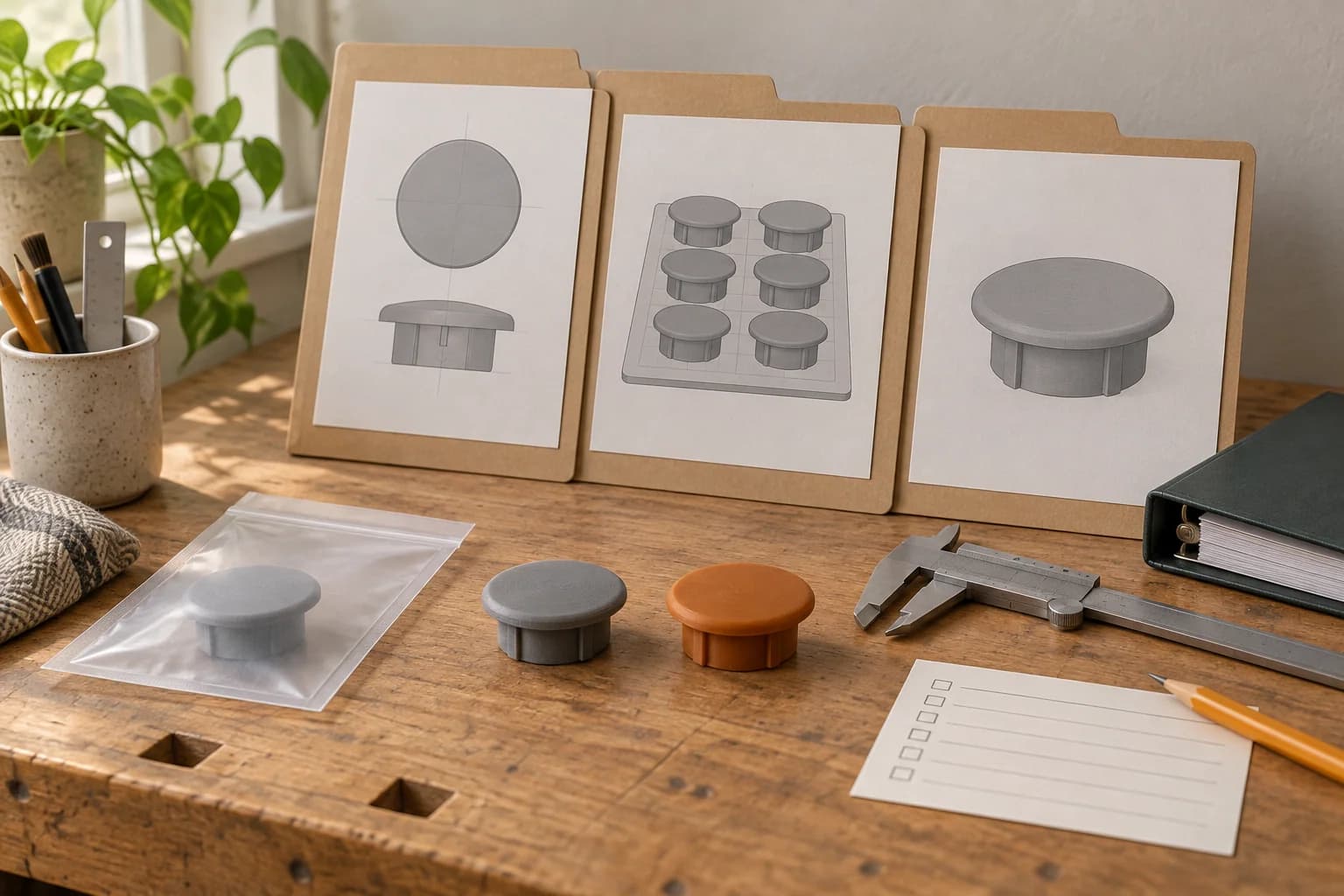
A useful 3D print-file library answers three questions: which exact fixture does this part fit, which files produced the accepted sample, and what needs checking before we order it again? Build the library around a stable part record, then attach the files and maintenance history to it.
For a Toronto property team, that can be a shared folder and spreadsheet. Keep each part's identity, authorized source, revisions and fit result together. A download called cabinet-cap-final.3mf leaves too much for the next person to guess.
The workflow below is our proposed way to organize your own archive. The decorative-cap example is fictional; it is not a customer case study or an approval of a particular replacement.
Decide what belongs in the library
Check the original replacement route first. Identify the fixture, consult its documentation and look for the manufacturer's part number. IKEA Canada's spare-parts guidance, for example, directs customers to assembly instructions and six- or eight-digit part codes.1 Record the result of that lookup even if you later choose a print. A stocked original or generic replacement may be the simpler option.
Good subjects for this record system include a decorative cap, a loose organizer insert or a small label holder. Give each entry a limited job. A cap that conceals a cosmetic recess must not quietly become a fastener, electrical cover or load-bearing spacer elsewhere. Our replacement-part checklist helps screen the application before you spend time filing it.
If failure could affect security, fire protection, plumbing, electrical safety or structural support, use an appropriate original or qualified alternative. The library does not change our service restrictions.
Give the part an identity that survives a move
Use a stable ID such as PM-014 for the part. Keep location codes in a separate register: PROPERTY-A / UNIT-X / CABINET-04. That lets several matching fixtures refer to one part without making “the cap in unit X” its permanent name.
Record the manufacturer, exact model, known revision or variant, original part number and reference document. Add an identification photo showing the fixture and mating feature. If a field is unknown, write “unknown” and describe how the fixture was identified. A similar appearance is a reason to compare, not permission to reuse the entry.
Keep tenant names, contact details and access information out of the part folder. Your private maintenance system can hold the location mapping.
A part record to copy into your existing system
Here is a worked example for a decorative cabinet recess cap. All names, codes, dates and dimensions are invented. The measurements demonstrate recordkeeping, not a fit allowance or design recommendation.
| Field | Hypothetical PM-014 entry |
|---|---|
| Function and limits | Covers a cosmetic recess in an indoor cabinet; holds nothing and does not cover wiring or moving hardware. |
| Exact fixture | Fictional Example Cabinet Co., model CAB-40, revision A, side panel variant L; document and identification photo stored. OEM cap number unknown. |
| Original-part lookup | Supplier inquiry recorded; recheck availability before another order. |
| Authorized source | Designer's original delivery and written permission for the team's intended use, changes and reproduction through a paid print service stored in rights/. |
| Geometry | r02; units mm; cap face 18 mm across, insertion feature 12 mm across and 4 mm deep. Compared with the identified recess; these values apply only to this fictional record. |
| Preparation | s01; project and sliced export retained; slicer version, compatible machine/nozzle profile and saved settings recorded. Orientation screenshot attached. |
| Material | PETG, grey, fictional sample-order SKU FIL-EX-17; product details copied from the sample order. This is a recorded choice, not a PETG recommendation for every cap. |
| Sample result | Sample SAMPLE-EX-01, checked on 2026-09-15: seated by hand without forcing, no cracked mating features, nearby hardware remained clear. Reference sample retained. |
| Accepted scope | Fixture revision A, variant L, shaded indoor location; heat, sun and different cleaning exposure require review. Maintenance lead recorded the limited acceptance. |
| Current status | Fit accepted for the recorded use; current pair r02-s01. |
Your real entry should link to the actual documents and observations. “Fit accepted” means your team accepted that sample for the described use. It does not mean manufacturer approval, engineering qualification or certification.
Keep the source, project and sliced export separate
Retain the source as received, including an editable design if one was legitimately supplied. Then keep the slicer project and the actual export used for the accepted sample. Those files serve different purposes:
- Source: what the authorized designer or model publisher supplied, before your changes.
- Preparation project: the model arrangement and settings you can reopen to prepare a print.
- Sliced export: the machine instructions submitted for that particular order.
The 3MF core specification distinguishes model, project and toolpath content in its naming recommendations. It also provides optional fields for designer, copyright and licence information.2 That helps explain why a .3mf extension alone is not enough to establish the file's role or provenance. Keep the separate record even when the package contains metadata.
For PM-014, use two revision numbers:
PM-014-r02-source.3mf
PM-014-r02-s01-project.3mf
PM-014-r02-s01.gcode.3mf
Here r02 is the geometry revision and s01 is the preparation revision. This is a local naming convention, not a file-format standard. Preserve the publisher's original filename in the source record too.
Changing an insertion feature creates a new geometry revision. Changing orientation, supports, material or a preparation profile creates a new preparation revision, even if the shape stays the same. Bambu Studio's official documentation separates project export, settings export and slicing, and shows that supplied settings can override those stored in a project.3 Reopening yesterday's project does not establish that today's export is unchanged.
Record which source produced each project and export. Keep accepted files read-only where practical and back up the archive. Use the sliced 3MF guide to check file roles and the plate-export instructions when preparing an order. Renaming an unsliced project does not add print instructions.
Make the fit result specific enough to repeat
“Fits well” is a weak record. Write down the exact fixture tested, sample/order reference, observed fit, any required adjustment and the person responsible for acceptance. For the fictional cap, the useful observations are whether it seats without forcing, stays in place during ordinary handling and leaves neighbouring hardware clear.
Attach the relevant measurements and photographs. Inspect mating features for damage and keep a reference sample if practical. Do not turn one successful sample into a universal clearance rule.
Record the expected environment separately: sunlight, heat, moisture, cleaning products and handling. NIST's polymer additive-manufacturing report discusses build geometry, processing variables and durability exposures as distinct factors.4 Our practical implication is to retain both the material and preparation details. Initial fit alone does not establish service life.
If a received cap is loose or cracked, pause that entry. Record the failed revision, photograph the issue and identify what needs review before ordering more. A failed file belongs in the history, with a visible reason for rejection.
Follow the part through a reorder and a fixture change
Keep a short installation and reorder log alongside the part record. The entries below continue the fictional example:
| Event | Record to retain |
|---|---|
| Fit sample | SAMPLE-EX-01; r02-s01; fixture revision A, variant L; limited fit acceptance and retained sample. |
| Repeat order | ORDER-EX-02; six parts; same recorded revision and material checked; received parts inspected; installed at private location codes with dates. |
| Cabinet replaced | CABINET-04 now has revision B; remove its PM-014 mapping pending identification and fit review. No reorder for this fixture under the old acceptance. |
Changing one cabinet does not automatically invalidate PM-014 for every recorded revision-A fixture. It does invalidate the assumption that the replacement cabinet takes the same cap. Give a genuinely different part a new ID or clearly distinguished variant.
Use statuses people can act on: candidate, fit accepted, paused, retired. Keep a retired revision for tracing earlier installations, but remove it from the ordinary reorder list. Onshape's obsoletion workflow uses a related principle: it retains revision history while blocking obsolete revisions from new assemblies.5 A shared folder can borrow that discipline without adopting a CAD release system.
Check these items before the next order
- Confirm the current fixture, variant and intended environment match the record.
- Check the entry is fit accepted and has no unresolved failure notes.
- Review the saved source and permissions for the intended use.
- Select the exact geometry/preparation pair; review any material, profile or orientation change and decide whether another sample is needed.
- Check current file compatibility and stocked material choices in the order flow.
- Record the new order reference, quantity and received-part inspection; update installation locations and later observations.
At 3dPrintsToronto, the customer-file route accepts compatible pre-sliced .3mf/.gcode files. An unsliced .3mf may use the explicit opt-in auto-slice path when available. Your archive can contain CAD or STL sources, but they are not direct checkout uploads. We print authorized supplied models; design, scanning and model repair are separate work.
When the record is ready, upload the compatible file and review the current material selection and CAD quote. Keep your own master record linking that order to the accepted revision. This workflow is maintained by your team, not a managed library or reorder programme from us.
Start each entry with the rental-property replacement decision, including the original spare-part lookup and the exact fixture identity.
For vane clips, the profile-specific repair checks identify the measurements and sound reference vane worth saving with the file.
A reusable layout aid needs its own setup record too: the cabinet-handle marking-template guide identifies the pull centres, front edges and left/right trial to save.
Questions about maintenance print-file records
Is a folder of STL files enough?
It can store source geometry, but it leaves fixture identity, permissions, preparation and fit history unanswered. Attach each source to a part record and retain the accepted preparation project and sliced export as well.
Can we use a free download for property maintenance?
Check its actual terms. “Free to download” does not answer reproduction rights. CC BY 4.0, for example, allows commercial sharing and adaptation subject to its conditions and notices.6 For NonCommercial licences, Creative Commons says the circumstances and purpose of use matter; contact the rights holder if uncertain.7 Preserve the author, source link, saved terms and any permission. Our downloaded-model guide covers the ordering checks.
Do we need a new sample after changing material?
Treat a material change as a review trigger. Compare the intended environment and fit requirements with the previous record, and decide whether to test another sample before a batch. Do the same for a new orientation, profile, mating dimension or fixture variant. The old acceptance describes the old combination.
Should we delete a file that failed?
Remove it from the active reorder set, but keep a clearly marked history entry with the failure reason and any replacement revision. Otherwise someone may download or rebuild the same unsuitable candidate later without knowing why it was rejected.
Sources checked
IKEA Canada: missing-parts guidance, identification through assembly instructions and part codes. verified: 2026-10-05.
Return to text: 1
3MF Consortium: core specification 1.4.0, sections 2.2 and 3.4, content naming and optional metadata. verified: 2026-10-05.
Return to text: 1
Bambu Studio: command-line documentation, export, slicing and settings precedence. verified: 2026-10-05.
Return to text: 1
NISTIR 8059: polymer additive-manufacturing testing report, sections 5–6. Published 2015; cited for process and exposure variables, not a prediction for a specific cap. verified: 2026-10-05.
Return to text: 1
Onshape: obsoleting revisions, retained history and prevention of new use. verified: 2026-10-05.
Return to text: 1
Creative Commons: CC BY 4.0 deed, permissions, conditions and additional-permission notices. verified: 2026-10-05.
Return to text: 1
Creative Commons FAQ, “Does my use violate the NonCommercial clause of the licenses?” Informational guidance, not a determination for a particular business use. verified: 2026-10-05.
Return to text: 1
Have a sliced file ready?
Upload it for an instant quote in CAD.