What is a .gcode.3mf, and can a print service use it?
Updated · 7 min read
The double extension is not a typo: it packages sliced printer instructions with useful project and preview data.
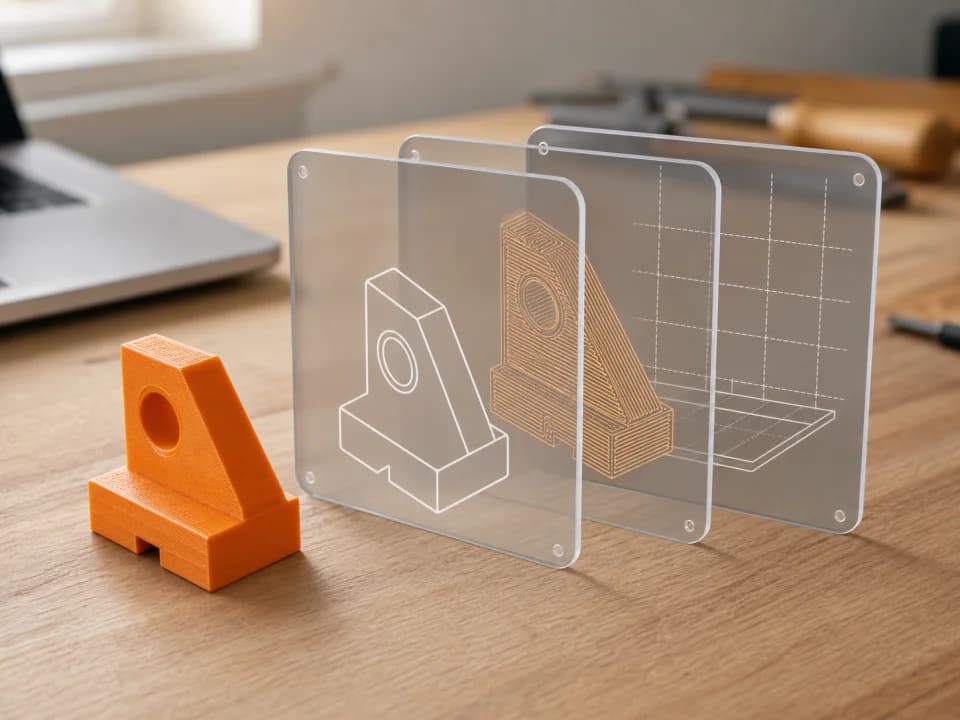
A .gcode.3mf file is a sliced 3D-print project. It is not a filename mistake and it is not the same thing as an ordinary model-only .3mf. The file packages the instructions for a printer together with useful project information, which makes it our preferred upload format.
The important word is sliced. Before a model can be printed, slicer software turns its geometry into layer-by-layer toolpaths and estimates the material and machine time. Our quote reads those results instead of guessing from the outside shape.
What the double extension means
The .3mf part tells you that the file is a ZIP-based 3MF package. The 3MF Consortium specification defines the core manufacturing format and optional extensions. A 3MF package can hold more than a triangle mesh: applications may also store project resources, materials, settings, and previews.
The .gcodepart is Bambu Studio's filename convention for a 3MF package that also contains generated G-code. It is not a separate 3MF Consortium file format, and it should not be confused with the consortium's optional Slice Extension. In Bambu Studio, the menu command Export plate sliced file produces this kind of package. The software's official command-line documentation likewise distinguishes opening a model from slicing a selected plate and exporting the result as 3MF.
STL, 3MF, .gcode.3mf and raw G-code compared
| File | What it normally contains | Ready for an instant sliced-file quote? |
|---|---|---|
.stl | Surface geometry only | No. It still needs printer, material and slice settings. |
.3mf | Geometry and project data; it may or may not be sliced | Only when valid sliced plate data is present |
.gcode.3mf | Sliced instructions plus the surrounding 3MF project | Yes when the required sliced metadata is present |
.gcode | Raw printer instructions without the project package | Only when the active fleet is verified for that file path |
A filename alone does not prove that a file is printable. A plain 3MF can be only a saved project, while a damaged or partly exported file may be missing one or more sliced plates. The live upload check opens the package and validates what is actually inside.
Why a print service prefers .gcode.3mf
A sliced package answers the questions that affect both price and production: which plate is being printed, how long the slicer expects it to run, how many grams each material slot uses, and which toolpaths were generated. That lets us calculate the quote from the file you approved.
It also preserves intent better than sending an STL and asking somebody else to make all the slicing decisions. Orientation, supports, layer height, walls and infill can all change the result. If you want to control those choices, follow our STL-to-print-ready workflow and review the slicer preview before export.
How to make a .gcode.3mf file
- Open the model or project in Bambu Studio and select a compatible printer, nozzle, plate and material profile.
- Arrange the model, choose the process settings, and add supports only where the geometry needs them.
- Click Slice plate. Inspect every layer, especially the first layer, supports and any thin features. Confirm the shown time and material use make sense.
- Choose File → Export → Export plate sliced file. For a project with several plates, use the all-plates export and read our multi-plate 3MF guide.
- Keep the resulting extension intact, then upload that file for a quote. Renaming a project-only
.3mfdoes not turn it into a sliced file.
The full click-by-click version is in how to slice and export a plate.
Can we use raw .gcode?
Raw .gcode can be uploaded, but it is not the safest assumption for a real order. G-code is generated against a specific machine and process configuration, and we enable raw-file printing only after that path has been verified on an eligible active printer. The quote flow checks current eligibility before checkout and again before a print is started.
In practical terms: export .gcode.3mf when you can, and treat the upload result as the source of truth. A raw file being accepted by the form does not by itself promise that an unverified machine can run it.
Common .gcode.3mf problems
- “No sliced plate”: the project was saved rather than exported after slicing. Reopen it, slice, and use the sliced file export command.
- Only one plate appears: the current-plate export was used. Slice every plate and choose the all-plates export.
- The part does not fit: go back to Prepare, confirm scale and plate boundaries, then slice again. Do not edit generated G-code to solve a geometry problem.
- Material or printer mismatch: select an available profile and material, then reslice. The upload can gate stock and enabled raw or multi-material paths, but it does not certify the printer profile, nozzle, plate type, or build-area fit.
Sources checked
- 3MF Consortium specification suite — core package format and optional extension descriptions.
- Official Bambu Studio product page — project-based 3MF workflow and multi-plate support.
- Official Bambu Studio command-line guide — model inputs, plate slicing and 3MF export behaviour.
Sources verified: 2026-07-21.
Have a sliced file ready?
Upload it for an instant quote in CAD.