Where to 3D print in Toronto: library, campus, or local service?
Updated · 8 min read
Libraries, campus labs, and print services solve different problems. Use this decision guide to choose the right route for your part.
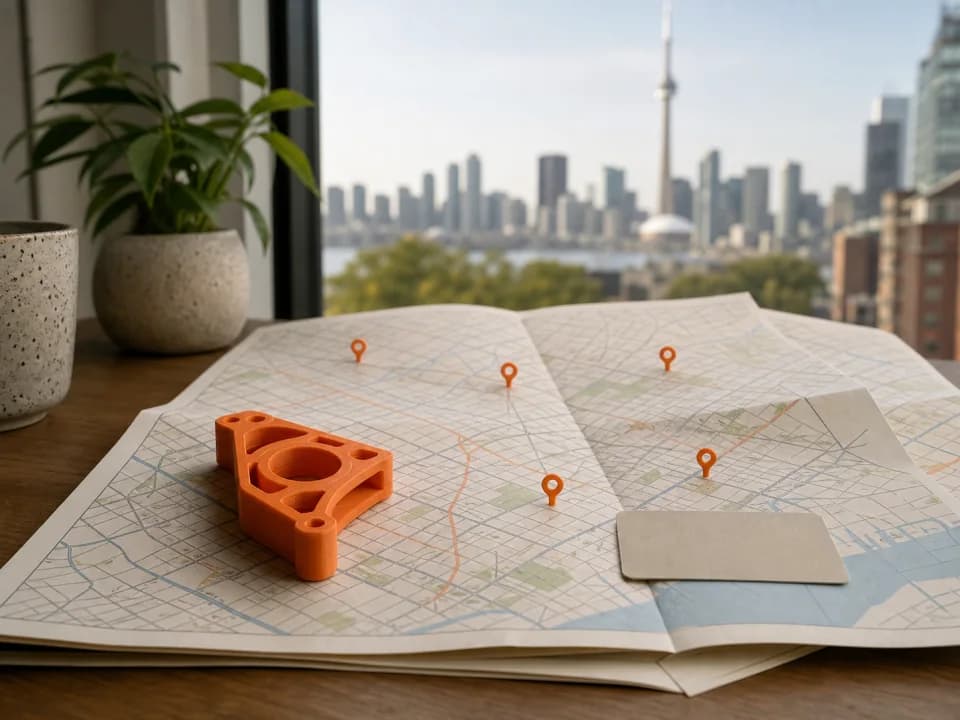
16 verified locations
Places to 3D print in Toronto
Select a marker for its access rules, address, and official page.
- LPublic library
- CCampus lab
- Local service
Loading Toronto print map…
Every verified location is still available in the selector below.
Local service
Upload a sliced file for a quote; free scheduled pickup downtown.
Locations and access rules verified . Check the official page before travelling.
Toronto has three practical routes to a 3D print: use a public-library printer, use a campus lab if you are eligible, or send a prepared job to a local print service. None is automatically “best.” The right one depends on whether you want to learn and supervise the process, have institutional access, or prefer a hands-off order.
The fast decision is this: choose a library to learn and make a modest job yourself; choose a campus lab when you already belong to the institution and its workflow suits the project; choose a local service when you can prepare the file but do not want to book, train, and operate a printer.
Toronto 3D-printing options at a glance
| Option | Best for | Access and effort | Main constraint |
|---|---|---|---|
| Toronto Public Library | Learning, small personal projects, hands-on use | Library card, booking or walk-in availability, on-site prep | You monitor the print; booking and content rules apply |
| Campus makerspace or lab | Eligible students, staff, coursework, research, prototypes | Institutional status plus each lab's training process | Eligibility, certification, booking, and time limits |
| Local print service | Prepared files and a hands-off production step | Upload, review quote, choose available options, pay | You still need a printable, compatible file |
Option 1: Toronto Public Library
Toronto Public Library says every Digital Innovation Hub offers 3D printers. Its current instructions require a TPL card and tell users to reserve by calling a branch, although first-come access may also be available during open hours. Most jobs have a two-hour maximum that includes file preparation; each location also has a dedicated route for longer prints, with its own booking limit.
TPL currently charges $0.15 per gram with a $0.15 minimum. Bring an OBJ or STL, prepare it at the hub with staff guidance, and expect staff to approve and start the job. You remain responsible for monitoring it. The library also publishes content and intellectual- property rules, so check the current policy before making the trip.
This is the clearest fit when your goal includes learning. Staff can help you use the equipment and troubleshoot, but the service is not a remote order desk and staff do not take over your project. Confirm availability directly with the branch listed on the official TPL 3D-printer page.
Option 2: a Toronto campus lab
Campus access can be excellent, but it is not general public access. The University of Toronto's Gerstein Library and MADLab service is for U of T students, faculty, and staff with a valid TCard. Its published in-person policy requires certification, a reservation, and attendance for the duration of the print. It also tells users to arrive with the design completed and ready to print.
Toronto Metropolitan University's Digital Media Experience Lab says it provides no-cost access to TMU students and employees. It offers staff-assisted and self-serve paths; the self-serve route requires training and an equipment test, and its page publishes separate time limits and attendance requirements.
Other schools and departments may have their own labs, but do not assume your student card grants access everywhere. Check the current eligibility, training, allowed materials, booking window, maximum duration, and whether you must remain with the machine. Campus rules can change by lab and by academic term.
Option 3: a local 3D-printing service
A service makes sense when your design work is done and you want to hand off the machine operation. With us, you upload a pre-sliced file, review the extracted time, material, and CAD quote, then decide whether to continue. The core handoff is a sliced 3MF or.gcode.3mf; raw G-code can also be uploaded, but checkout proceeds only when a hardware-verified path is currently enabled.
That does not mean every model is ready as downloaded. A service cannot infer the fit, load, intended orientation, or acceptable surface finish from a filename. If you only have an STL, use the STL-to-print-ready checklist. If you have already opened it in a slicer, follow the plate slicing and export steps so the file contains the actual toolpath.
A local service is usually the best comparison when your time matters more than direct machine access. It is also easier to compare when the quote spells out material and machine time. Read the Toronto 3D-printing price guide before comparing a service total with a library's material-only rate.
Five questions to answer before choosing
- Am I eligible? A public library card, active campus status, or neither immediately narrows the list.
- Do I want to operate the printer? Library and campus routes are useful learning experiences; a service is a production handoff.
- Is my file sliced? An STL describes geometry. A sliced file also commits to orientation, supports, material, and machine instructions.
- How long is the machine job? Compare the slicer estimate with the facility's session or booking limit. A long job may need a different route.
- When do I truly need the part? Printer time is only one part of turnaround. Queue position, checks, possible reprints, and pickup timing also matter. Our Toronto turnaround guide explains the full clock.
A practical Toronto decision
Use the library if you have a card, can attend, and want help learning the workflow. Use your campus lab if you are eligible and the job fits its training and time rules. Use a local service if the model is already prepared and your priority is getting the machine work off your own plate.
Whichever route you choose, verify the current rules on the operator's own page before leaving home or paying. If the service route fits, upload your sliced file to see what we can validate and quote today.
Sources checked
- Toronto Public Library — locations, booking, cost, workflow, and rules
- University of Toronto Libraries — Gerstein Library and MADLab 3D printing service
- University of Toronto Libraries — current Gerstein 3D-printing policies and procedures
- Toronto Metropolitan University Library — DME Lab 3D printing access and requirements
Sources verified: 2026-07-21.
Have a sliced file ready?
Upload it for an instant quote in CAD.